
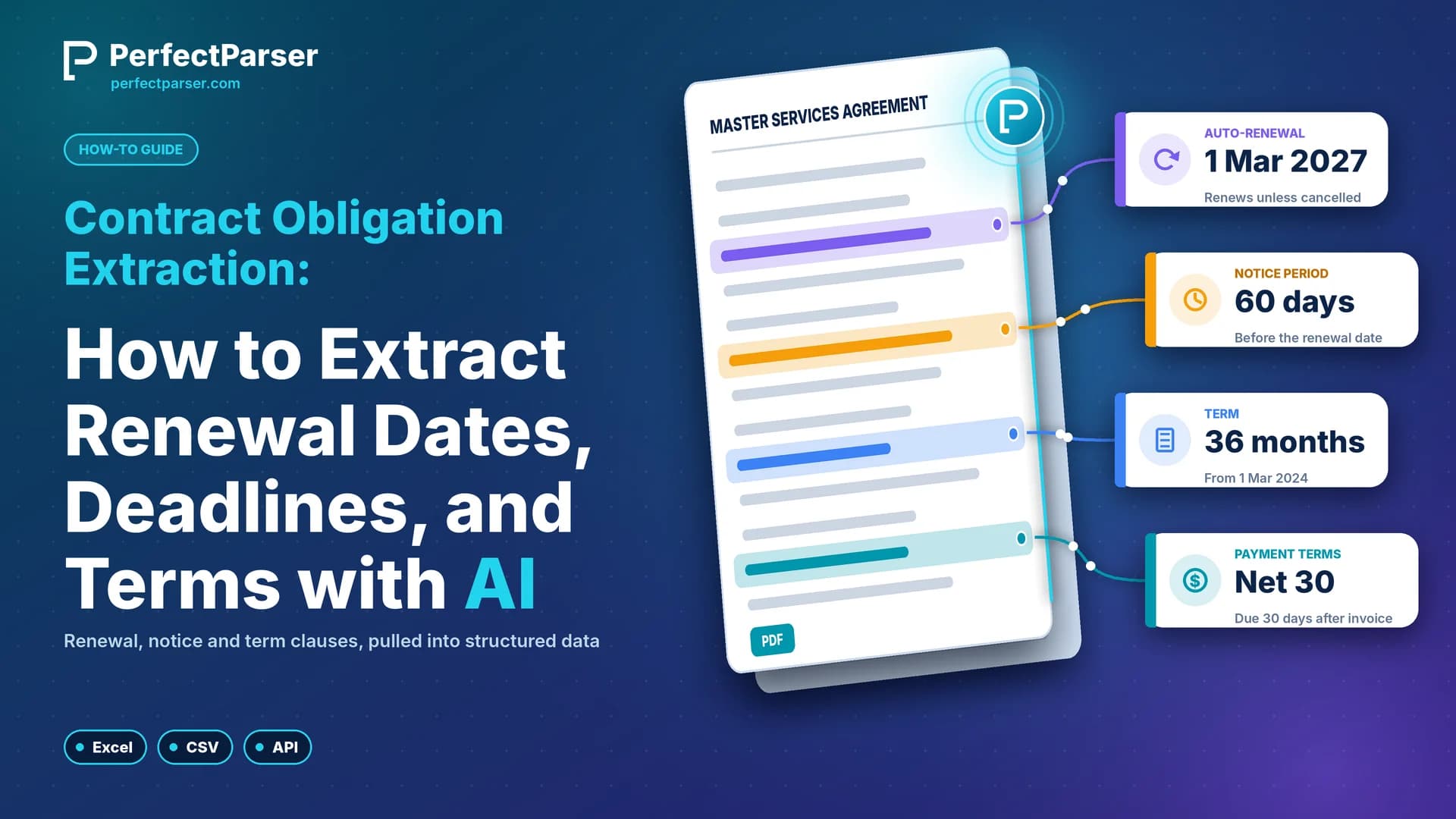
Contract obligation extraction is the process of pulling renewal terms, notice windows, deadlines, and deliverables out of unstructured agreements and into structured records you can sort, filter, and act on. This guide shows how to extract the conditional dates and terms buried in 30-page legal PDFs with an AI parser, and what to check before you trust the output.
Quick summary: Contract obligation extraction turns renewal terms, notice windows, milestones, and SLA terms into structured fields. PerfectParser reads each clause in context and returns the stated values as JSON, Excel, or CSV, ready for your tracker, CLM, or internal tools.
What is contract obligation extraction?
Contract obligation extraction is the automated capture of the commitments in an agreement (who must do what, by when, and under which conditions) as structured fields instead of paragraphs. Obligation extraction differs from summarization: a summary tells you broadly what a contract says, while extraction returns specific values, such as a 12-month renewal term or a 60-day notice period, that you can drop into a spreadsheet or database.
It also differs from contract lifecycle management (CLM). A CLM stores, routes, and tracks contracts. Automated contract data extraction is the step before: turning a PDF full of legal language into structured data, including key dates and the conditions attached to each one. PerfectParser is built for that step.
Why conditional clauses are hard to extract
The date you need is rarely written as a date. Consider a typical renewal clause:
Term renews automatically for successive 12-month periods unless either party delivers written notice of non-renewal at least 60 days prior to the expiration of the current term.
No single phrase answers "when do I have to act?" The answer combines four facts: the renewal is automatic, each renewal lasts 12 months, either party can stop it, and notice must arrive 60 days before the term ends. The term end date itself usually sits elsewhere, often behind a defined term such as "Effective Date".
That is why keyword search and fixed templates fall short. A search for "renew" returns every mention, and a template built for Section 12 fails when the next vendor puts the clause in Section 4. Reading the clause in context is the job of an AI parser.
What to extract: the obligation fields
Decide on the fields before you upload anything (for a complete field-by-field checklist across NDAs, MSAs, and vendor agreements, see our guide on contract data fields). This table is a practical starting set:
Add three housekeeping fields to every row: the obligor (which party owes the obligation), the section number, and the exact clause text. The obligor tells you whether a deadline is yours or the vendor's, and the clause text makes every value checkable.
Contract auto renewal date extraction
Contract auto renewal date extraction means finding three things and keeping them linked: when the current term ends, how long each renewal lasts, and when the opt-out window closes. Renewal clauses take one of three forms:
- Fixed renewal term: "successive 12-month periods". Capture the number directly.
- Relative renewal term: "for a period equal to the initial term". Capture the reference and the initial term separately.
- Evergreen clause: the contract continues until someone terminates it. The right output is a flag, not an invented date.
Capture the term end date and the notice days together, and the notice window is clear: a term ending 31 March 2027 with a 60-day notice requirement means notice is due by 30 January 2027. PerfectParser returns both stated values, the end date and "60 days", as separate structured fields, ready to use. Confirm with counsel how the contract counts days.
Contract notice period extraction
Contract notice period extraction covers the cancellation and non-renewal windows, typically 30, 60, or 90 days. The number is the easy part. Five details decide whether the record is usable:
- What the period counts back from. "Prior to the expiration of the current term" and "before the renewal date" can mean different days. Capture the reference event in the contract's own words.
- Calendar or business days. If the clause says only "days", return "not stated" rather than assuming.
- Who may give notice. "Either party" and "Customer only" create different obligations.
- How notice must be given. Written, by email, by registered post, or to a named address. The wrong method may not count.
- When notice counts as received. Some contracts treat notice as received when sent, others days after posting. A deemed-receipt rule moves the real deadline.
A single contract can hold separate windows for non-renewal, termination for convenience, and termination for cause. Extract each as its own row.
Contract milestone extraction
Contract milestone extraction pulls deliverables, completion deadlines, and payment triggers out of statements of work, schedules, and exhibits. These often sit outside the main agreement, so upload every page and attachment.
Milestones come in two shapes. Dated milestones ("final report due 30 June") need a name, a responsible party, and a date. Event-triggered milestones ("within 10 business days of written acceptance") need the trigger event and the offset as separate fields, because the real date is unknown until the trigger happens.
Payment triggers follow the same pattern. "Payable within 30 days of written acceptance" becomes three fields: the amount, the trigger event, and the payment term. Linking each payment to the milestone it depends on shows which delivery unlocks which invoice.
SLA penalty extraction
SLA penalty extraction captures the performance commitments in a vendor agreement and what happens when they are missed. These terms usually sit in a service schedule, away from the renewal clauses, so manual review often skips them.
For each service level, capture the metric (uptime, response time), the threshold (for example, 99.9% monthly uptime), the measurement period, the remedy (a service credit, a fee, or a termination right), the claim deadline, and any exclusions. The claim deadline is the field most often missed: many agreements require a credit to be requested within a set number of days, and a credit that is never requested is never paid. For broader non-standard liabilities such as uncapped damages, indemnities, and termination-for-cause triggers, see our guide on extracting high-risk contract clauses.
Relative deadlines: extracting "within 90 days" as structured fields
Many obligations are written as an offset from an event: "within 90 days of written acceptance". PerfectParser reads the whole clause and returns each part as its own structured field: the number, the unit, the direction (before or after), and the trigger event.
Here is how common relative deadlines come out as structured fields:
When the trigger is an event, such as acceptance or delivery, the record names that event, so it is clear what each deadline is waiting on.
How to extract contract obligations with PerfectParser
The workflow has five steps, with no templates or model training:
- Create a parser. Upload one sample agreement and describe the fields you want in plain English.
- Save it. Name it, such as Vendor-Contract-Obligations, so you can reuse it.
- Upload your agreements. Select the parser and upload PDFs, scans, or images in bulk.
- Export. Download Excel, CSV, or JSON, or send results through the API and webhooks.
- Review. Spot-check values against the clause text before the records go anywhere.
Here is a sample prompt for step 1:
For every renewal, termination, and notice clause in this agreement, extract:
counterparty; obligor (the party who owes the obligation); current term end date; whether renewal is automatic; renewal term in months; notice period in days; whether the contract says calendar or business days; who may give notice; the event the period counts back from; section number; and the exact clause text.

For any deadline written as an offset, such as "within 90 days of acceptance", return the number, the unit, before or after, and the trigger event.

If a field is not stated, return null. Do not infer values.
Asking for the exact clause text makes every value traceable, and "return null, do not infer" stops the parser from filling gaps with plausible guesses. For the clause earlier in this guide, an illustrative output looks like this:
{
  "counterparty": "Northwind Logistics Ltd",
  "obligor": "either party",
  "clause_type": "auto_renewal",
  "current_term_end_date": "2027-03-31",
  "renewal_automatic": true,
  "renewal_term_months": 12,
  "notice_days": 60,
  "notice_day_basis": null,
  "notice_counts_back_from": "expiration of the current term",
  "section": "12.2",
  "clause_text": "Term renews automatically for successive 12-month periods unless either party delivers written notice of non-renewal at least 60 days prior to the expiration of the current term."
}
notice_day_basis is null because the clause says "days" without saying calendar or business days. That is the correct output, and it flags a question for a human reviewer. For more on contract fields, see contract data extraction.
After extraction: put the data to work
Every extracted record is structured and ready to use, so you can send it wherever your team works:
- A spreadsheet tracker. Download Excel or CSV and review it on a fixed schedule. This is the fastest route for a backlog.
- A CLM or contract repository. Map the exported fields to its metadata fields and import them (if you are planning an enterprise migration or portfolio review, see our contract data abstraction cost benchmark for manual vs. AI ROI formulas).
- Your own automation. Use the API and webhooks to push each record to a calendar, ticketing, or alerting tool you already run.
Here is a small exported batch:
Fields marked "not stated", like the first row's day basis, are easy to spot and quick to review.
Review tips for dependable results
A short review step keeps your records dependable. These cases are worth a quick look:
- Amendments. A later amendment can replace the renewal or notice terms. Upload them together, ask for the amendment date, and check which document governs.
- Defined terms. "Initial Term" and "Effective Date" are often defined on page one and used on page 30. Name them in your prompt.
- Silent clauses. If a contract has no auto-renewal clause, the correct value is null. A confident-looking date there is a warning sign.
- Poor scans. Skewed or faded pages are more likely to produce wrong values. Review those records first.
Before relying on any parser, run a test. Pick 10 to 20 agreements whose terms you already know, extract them, and compare each value with the clause text. Log errors by type (wrong value, missed clause, invented value) and refine your prompt. After that, check every null, every record with a deadline in the next 90 days, and a random sample of the rest.
How PerfectParser fits your contract workflow
PerfectParser handles the first step: turning contract PDFs into clean, structured data. From there, the records flow into whatever you use to manage contracts, whether that is a spreadsheet, a CLM, or an internal tool. Here is what that looks like in practice:
PerfectParser extracts what the contract says and leaves interpretation to you and your legal team.
What it costs, and how to start
PerfectParser charges per page, with no subscription. One page is one credit, credits are valid for a year, and nothing auto-renews. Packs run from $19 for 100 pages to $1,299 for 25,000 pages. At the 1,000-page pack ($99, or $0.099 per page), a 30-page agreement costs about $2.97 to extract.
New accounts get 20 free pages, no credit card required. Try a contract whose renewal terms you already know and compare the output with the clause text.
Start free with 20 pages · See pricing · Read the docs
Never Miss Another Contract Renewal or SLA Deadline
Turn renewal dates, cancellation notice windows, milestone terms, and penalties into structured Excel or JSON feeds automatically. Start with 20 free credits.
Extract Contract Obligations Free →