
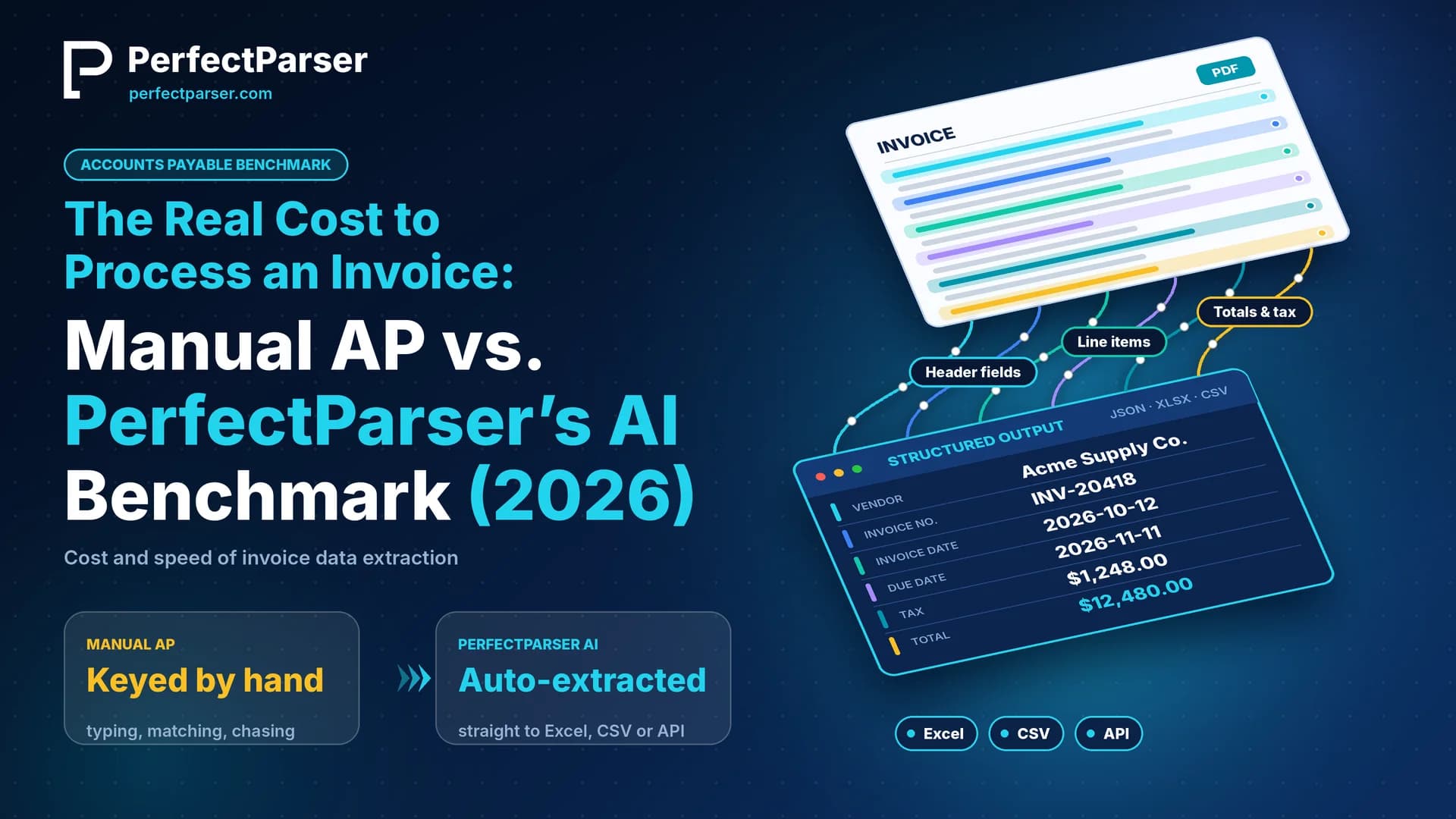
Manual invoice processing costs $12–$18 per invoice once you count labor, errors, and late fees — AI-based extraction with PerfectParser's invoice data extraction software brings that down to roughly $0.10–$0.20 per invoice, with results in seconds instead of days. For a team processing 1,000 invoices a month, that's the difference between $180,000 and under $2,000 a year in processing cost alone. This guide breaks down the real math behind both numbers, shows a benchmark comparison, and walks through a CFO-ready ROI example.
Ask ten finance leaders what it costs to process an invoice and you'll get ten different numbers — mostly guesses. That's the problem. Most AP teams know their software bill and their headcount, but nobody has actually added up labor time, error rework, late fees, and opportunity cost into one number per invoice.
That number matters more than it used to. Boards are asking for unit economics on every back-office function, and "we're working on efficiency" doesn't hold up next to a competitor running AP at a fraction of the cost. This piece lays out the real cost to process an invoice — manual versus AI-automated — with a formula you can plug your own numbers into, a benchmark table, and a worked example you can drop straight into a board deck.
That shift is already underway. More finance teams adopted AI-based document processing in 2025 and 2026 than in the previous three years combined, largely because the technology stopped requiring an IT project to stand up. This benchmark is for anyone building that business case now — a CFO sizing a transformation budget, a controller defending headcount, or a shared services director comparing software quotes.
How Much Does It Cost to Process an Invoice? The Manual AP Breakdown
Most finance teams only count the clerk's hourly wage. The real number is bigger, because it has to include everything that goes wrong along the way, not just the typing. Four things add up to the true cost of one manually processed invoice:
- Time spent on it — 10–15 minutes per invoice to key it in, match it to a PO, and route it for approval
- The clerk's real cost — not just salary, but benefits, overhead, and the manager time spent reviewing and approving
- Fixing mistakes — coding errors, duplicate payments, and mismatched purchase orders that need rework later
- Money lost to delays — late fees and missed early-payment discounts from invoices stuck in a slow approval cycle
Add those up for a typical mid-market AP clerk and you land at $12–$18 per invoice, fully burdened, with most industry benchmarks (Ardent Partners, APQC, IOFM) clustering around $15. That's before counting the 8–16 day cycle time typical of manual approval routing — which is why high-volume finance teams transition to an automated invoice processing workflow to eliminate approval bottlenecks and capture early discounts.
There's also a cost most AP teams never put a number on: the audit and compliance overhead of a paper-heavy process. Every manually keyed invoice needs a trail — approval emails, scanned backups, manual reconciliation at month-end — and that trail takes hours to assemble when auditors ask for it. None of that shows up in a per-invoice estimate, but it shows up in every year-end close.
Manual vs. Automated Invoice Processing Cost: The Benchmark
Line the two approaches up side by side and the gap stops being abstract.
The cost-per-invoice gap is the headline, but the cycle-time gap is what actually shows up in vendor relationships: a 14-day manual cycle routinely blows past early-payment discount windows, while sub-minute processing keeps those windows open. For specialized industries like commercial contracting, where progress billings and retainage add complex manual calculation steps, see our dedicated guide to AP automation software for construction.
Why This Gap Keeps Widening
Three trends are pushing the manual-vs-automated gap wider every year, not narrower. Invoice volume keeps climbing as companies add vendors and expand into new markets, so the hours required for manual entry scale in a straight line with growth. AP teams are also more distributed than they used to be, with remote and hybrid staff making paper-based routing and in-person approvals harder to manage. And vendor invoice formats keep multiplying — PDFs, scanned images, emailed line-item tables, portal exports — which makes template-based automation, the kind that breaks when a layout changes, less reliable over time. AI-based extraction doesn't care about layout, which is exactly why the gap keeps widening in its favor.
AP Automation Software Cost: Subscriptions vs. Pay-Per-Page
Most AP automation software is sold as a platform subscription — a monthly or annual license, often with implementation fees, minimum seat counts, and multi-year contracts. That model makes sense when a company wants a full AP suite with approval workflows and payment execution built in, but it also means paying for capacity you aren't using in slow months, and it rarely gives finance a clean, auditable cost-per-document number.
PerfectParser prices differently: pay per page, not per seat or per month. There's no subscription and no auto-renewal — you buy a credit pack (1 page = 1 credit), credits are valid for 12 months, and you only spend credits on documents you actually process. Packages run from 100 pages at roughly $19 up to 25,000 pages at the top tier, with the best-value pack at 1,000 pages for $99 ($0.099/page). New accounts start with 20 free page credits and no credit card required, so a finance team can benchmark real invoices against real cost before committing budget.
For context, a typical mid-market AP automation suite runs $500–$2,000 a month in platform fees, often with a $5,000–$15,000 implementation cost and a 12- or 24-month contract — on top of a per-invoice transaction fee that can add another $0.30–$1.00 per document. A team processing a modest volume can end up paying for a full platform license even in a month where invoice volume drops. The pay-per-page model sidesteps that structurally: cost scales with actual usage, not with a seat count or a contract term.
Cost Per Invoice with AI Processing: The Actual Unit Economics
Strip out the marketing language and the AI cost per invoice comes down to one input: pages. A typical invoice is 1–2 pages. At $0.099/page on the best-value pack, that's roughly $0.10–$0.20 per invoice to extract vendor name, invoice number, totals, tax, PO number, and full line-item tables — at 99.5% extraction accuracy, in a few seconds per document.
Compare that to the $12–$18 fully burdened manual cost and the unit economics aren't close: automated extraction runs at roughly 1–2% of the manual cost per invoice. The API processes documents in parallel, so a batch of 500 invoices doesn't take 500x longer — it finishes in minutes, with results available as structured JSON for straight-through processing or review.
How to Calculate Your Own Cost per Invoice
The benchmark numbers above are a starting point, not your number. To get a figure you can actually defend in a board meeting, walk through four questions with your own AP data (or log your current monthly queue using our free vendor invoice tracker):
- How long does one invoice really take? Time a clerk through a full cycle — receipt, data entry, PO matching, approval routing — not just the keying step.
- What's the fully burdened hourly cost? Take salary, add roughly 25–40% for benefits and overhead, then add a share of the time a manager or controller spends reviewing exceptions.
- How often does something go wrong? Pull your error and duplicate-payment rate from the last two or three months and estimate the hours spent fixing each one.
- What do delays actually cost? Check how many invoices miss early-payment discount windows or incur late fees because they're stuck in approval (use our invoice due date calculator to benchmark Net 30/60 payment schedules).
Multiply time by hourly cost, add in rework and delay costs, and you'll have a number specific to your team — almost always somewhere in the $10–$20 range, but worth knowing precisely rather than estimating.
Unit Economics: How AI Document Processing Scales in Production
Deploying AI extraction at scale replaces manual typing with deterministic, parallel processing:
- Per-Page Credit Determinism: Invoices are billed strictly on document page count (typically 1–2 credits per standard vendor bill, or 3–8 credits for dense multi-page statements). Unlike per-seat models that penalize you for adding reviewers, adding internal team members costs nothing.
- Asynchronous Parallel Throughput: Rather than a clerk keying 30 invoices a day sequentially, the extraction API processes multi-page batches asynchronously. A 500-page batch completes in parallel in under 3 minutes.
- Webhook-Driven ERP Synchronization: Once extracted fields pass confidence validation thresholds (e.g. >95% field certainty), webhooks immediately push structured payloads into your ERP or payment queue, routing only true anomalies to an AP manager's exception queue.
AI Invoice Processing Cost Savings: A CFO-Ready Example
For a shared services team processing 1,000 invoices a month, averaging 1.5 pages each:
That's roughly $178,000 in annual savings on extraction cost alone, before factoring in captured early-payment discounts and avoided late fees from cutting cycle time from weeks to seconds. At that volume, PerfectParser's 1,000-page pack ($99) covers the month with credits to spare, and unused credits simply roll forward for a year rather than expiring. For a controller building the business case, the napkin math is the business case: ~150 hours per worker freed up annually is the figure PerfectParser's own customers cite most often, and it tracks with the math above.
The savings scale further at higher volume. A shared services center processing 5,000 invoices a month would spend roughly $900,000 a year on manual processing at $15 per invoice, versus roughly $9,000 a year in page credits with PerfectParser — a gap that gets harder to justify to a board the longer it goes unaddressed. And because credits are bought in packs rather than billed as a recurring subscription, a finance team can scale volume up during a busy quarter and simply not buy more credits in a slower one, instead of renegotiating a contract.
What PerfectParser Doesn't Do
Worth saying plainly: PerfectParser extracts and structures invoice data — it doesn't initiate ACH or wire payments, and it isn't a general ledger. It sits upstream of payment execution and the GL, turning messy PDFs and scans into clean, structured data that feeds your existing AP workflow, payment system, or ERP. For finance teams, that's the point: it solves the data-entry bottleneck without asking you to rip out the systems you already trust for approvals and payment.
That division matters for implementation, too: adding PerfectParser to an existing AP process is a data layer change, not a system replacement, which is usually why teams can get it running in days rather than the months a full platform migration takes.
Try the Numbers on Your Own Invoices
The fastest way to validate any of this is to run it against real invoices from your own AP queue. Start free with 20 page credits — no credit card, no subscription — and see the cost-per-invoice number for yourself before it goes in front of the board.
Test the Cost Benchmark on Your Own Invoices
Upload your actual vendor bills to benchmark extraction speed, line-item accuracy, and per-document savings. 20 free page credits included — no credit card required.
Start Free Benchmark Test →