
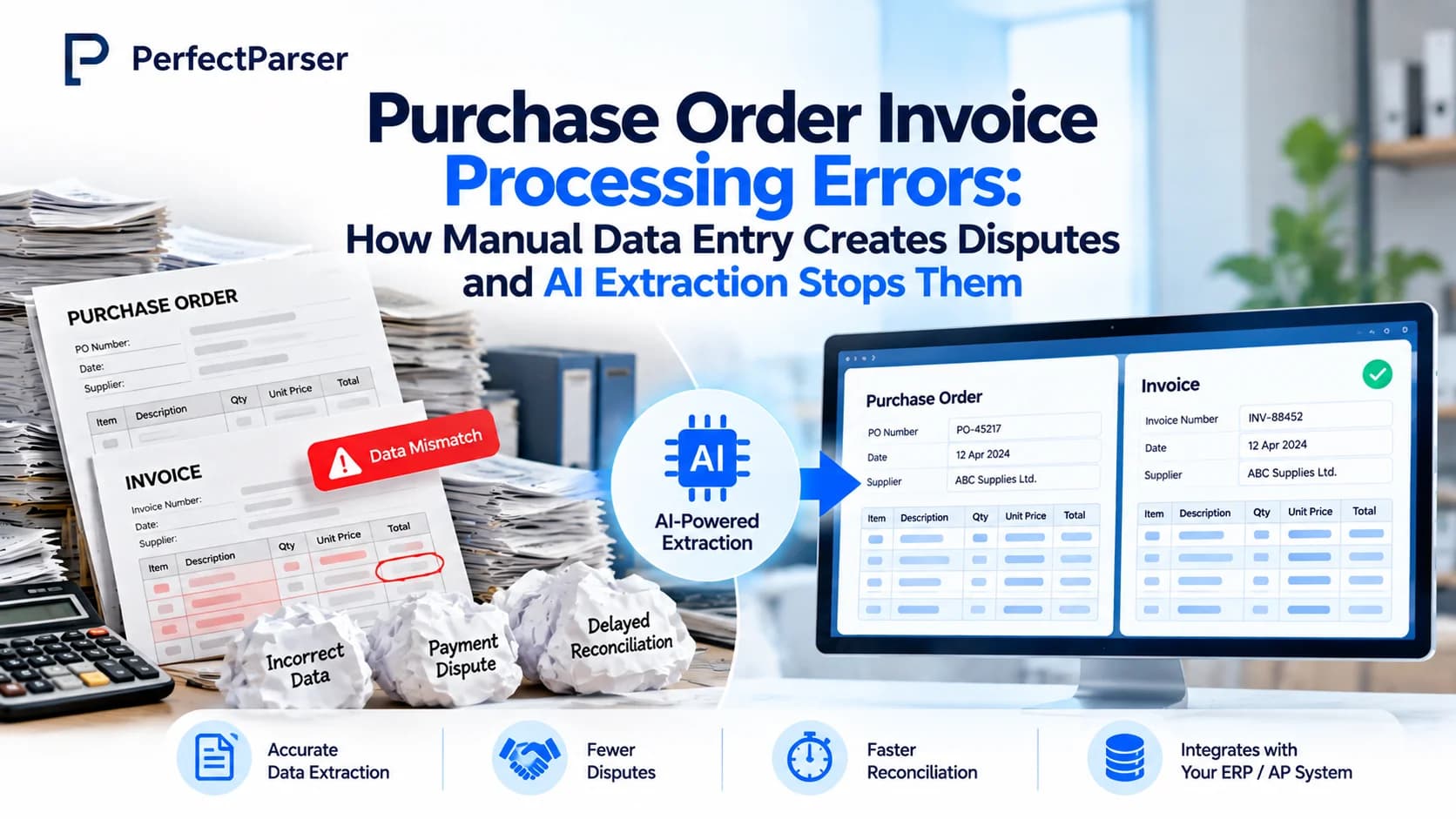
Quick answer: Purchase order invoice processing errors occur when mistyped unit prices, quantities, or SKUs enter the ERP during initial data entry, causing downstream 3-way matching failures when supplier invoices arrive. AI extraction validates data at capture with confidence scoring, catching discrepancies before payment terms begin and saving 5–15 minutes of reconciliation per disputed order.
What Are Purchase Order Invoice Processing Errors?
Purchase order invoice processing errors are mismatches between a purchase order and its corresponding invoice, caused by inaccurate data being captured, keyed, or transferred between business systems. Typical examples include an incorrect unit price, an erroneous SKU number, a mistyped quantity, a missing PO number, an incorrect vendor code, or a line-item sum that does not equal the order total.
In standard procure-to-pay workflows, a PO is issued to a vendor and recorded in the ERP. When the supplier delivers goods and submits an invoice, accounts payable (AP) performs three-way matching—comparing the purchase order, the goods receipt, and the supplier invoice. If all three records agree within defined tolerance thresholds, payment is approved.
When errors occur at initial PO creation, that flawed record becomes the ERP's source of truth. The error remains hidden until AP attempts invoice reconciliation weeks later, quietly breaking downstream matching and stalling payments. (To test how invoices compare against purchase orders in real time, try our free PO to Invoice Matching Tool).
How Manual Data Entry Creates Disputes
Purchase order invoice processing errors usually begin at the keyboard and amplify with every subsequent handoff:
- The keying error occurs: A clerk reads a PO from an email attachment or scan and keys it into the accounting system. A unit price of $12.50 is entered as $125.00. A SKU code is mistyped. A quantity of 240 is keyed as 24. To a busy clerk handling hundreds of lines, these mistakes look plausible.
- The flawed record becomes the benchmark: Once posted, the ERP treats the data as verified truth. The system cannot detect that the supplier's original document stated different figures.
- The invoice inherits the discrepancy: When the vendor's accurate invoice arrives, it fails validation against the flawed ERP PO record. The mismatch triggers an automated hold.
- AP discovers the issue late: AP uncovers the discrepancy only during invoice matching. By this point, the vendor's net-30 payment clock is running, and early payment discount windows have closed.
- The reconciliation dispute cycle: AP contacts the buyer. The buyer hunts for the original PDF. Staff contact the supplier to clarify terms. The ERP record is manually adjusted, the invoice is re-routed for approval, and staff lose valuable time. Reconciling a single disputed PO typically consumes 5–15 minutes of staff time—excluding vendor correspondence delays.
Notice the fundamental problem: the error is introduced at document intake, but discovered only at invoice payment. That delay multiplies resolution costs across multiple departments.
Key factors that exacerbate invoice errors:
- Supplier format variance: Every supplier formats POs, confirmations, and invoices differently.
- Month-end volume pressure: High document velocity increases typographical error rates.
- Siloed systems: Copying data between email threads, spreadsheets, and ERPs introduces transcription errors.
- Absence of intake validation: Accepting unvalidated numbers allows erroneous figures to propagate downstream.
What Do Purchase Order Invoice Processing Errors Cost?
The true cost of PO invoice processing errors is measured in administrative labor, missed early-payment discounts, late fees, and strained vendor relationships.
Consider the math: at 5–15 minutes per disputed PO, an organization handling 500 monthly invoice exceptions burns 42 to 125 hours of AP and procurement labor each month—the equivalent of one to three full-time weeks spent fixing preventable data entry mistakes.
Industry benchmark data highlights the systemic cost:
- Ardent Partners reports that the average cost of manually processing a single invoice is $12.88, taking an average cycle time of 17.4 days (as cited in accounts payable cost studies).
- Aberdeen Group research shows that approximately 20% of manually processed invoices contain errors.
- IOFM (Institute of Finance & Management) data indicates that manual invoice processing costs reach up to $16 per invoice, compared to under $3 when automated.
Beyond direct labor, errors generate severe indirect liabilities:
- Lost early-payment discounts: 2/10 net 30 discounts expire while invoices sit in dispute queues.
- Late payment penalties: Overdue accounts risk credit holds and vendor supply disruptions.
- Distorted cash flow forecasting: Inaccurate PO commitments skew financial reporting and working capital planning.
- Audit compliance risk: Ad-hoc manual ERP adjustments without audit logs complicate financial audits.
For comprehensive operational savings benchmarks, see our 2026 purchase order processing cost report.
How AI Extraction Stops Disputes
AI extraction stops disputes by capturing and validating purchase order data automatically before it enters the ERP, eliminating errors before invoices arrive.
Rather than staff re-typing values, AI reads the original documents directly:
- Intelligent Capture: Purchase order OCR ingests POs from PDFs, scans, and emails without fixed templates.
- Semantic Extraction: AI extracts structured header fields (PO number, vendor ID, terms) and table line items (SKU, description, quantity, unit price).
- Confidence Scoring: Every extracted character and field receives an algorithmic confidence score. Clearly printed values score high, while ambiguous characters are flagged.
- Master-Data Validation: Extracted fields are cross-checked against ERP master data: Does the SKU exist? Does the unit price match the contract price list? Do line totals equal the gross amount?
- Exception Routing: High-confidence validated records flow directly into the ERP. Flagged exceptions are reviewed with the source document displayed side-by-side.
By validating data at intake, errors are intercepted in seconds rather than surfacing weeks later in AP. Learn more about automated invoice workflows in our guide to invoice processing automation.
Manual Entry vs AI Extraction
The Automated PO-Invoice Workflow: Step by Step
- Ingest PO: Documents arrive via email, upload, or API into a centralized intake queue.
- Extract with AI: Intelligent document processing reads header fields and line items using purchase order OCR.
- Validate: Automated business rules verify vendor codes, SKUs, and math integrity against ERP master records.
- Review Exceptions: Human reviewers confirm only low-confidence flags; verified data passes touchless.
- Post Clean Record: Approved PO data posts to the ERP, establishing an immaculate benchmark from day one.
- Ingest Supplier Invoice: Inbound invoices are extracted using invoice data extraction.
- Automated Matching: The system executes line-by-line three-way matching against the PO and goods receipt. (Try this directly with our free PO to invoice matching tool).
- Automated Approval: Matched invoices clear for payment scheduling; genuine variances are routed with differences pre-highlighted.
Because the underlying PO data was verified at step 3, the vast majority of invoices match automatically on first pass.
Validation Checklist: How to Prevent Purchase Order Invoice Processing Errors
- PO number: Verify format and ensure unique record creation in ERP.
- Supplier verification: Confirm supplier name and tax ID match vendor master files.
- SKU & Catalog matching: Validate item codes against current inventory records.
- Pricing variance: Compare quoted unit prices against agreed contract price schedules.
- Quantity reasonability: Verify units of measure (e.g., cases vs eaches).
- Mathematical accuracy: Confirm (quantity × unit price) = line total, and line total sums = order gross.
- Payment & tax terms: Cross-reference payment terms (Net 30, Net 60) against master supplier agreements.
- Duplicate detection: Flag duplicate PO numbers or repeated invoice submissions.
- Audit logging: Maintain an immutable log of all extraction timestamps and user adjustments.
How PerfectParser Handles Purchase Order Invoice Data Extraction
PerfectParser extracts structured line-item data from purchase orders and supplier invoices across any format without rigid templates. Field-level confidence scores ensure your finance team reviews only genuine edge cases, while clean data flows seamlessly into your ERP for touchless matching.
Eliminate manual keying errors and invoice reconciliation backlogs. Explore PerfectParser's purchase order data extraction and invoice data extraction solutions today.
Eliminate PO-Invoice Mismatches Before AP Approval
Stop letting manual data entry errors break your 3-way match. Extract and validate purchase order and invoice line items at capture with automated confidence scoring. No credit card required — 20 free credits included.
Automate PO & Invoice Matching →