
Key Takeaways
- Data extraction software converts unstructured and semi-structured documents (PDFs, scans, invoices, receipts, forms) or web pages into structured formats like JSON, CSV, and Excel.
- The market divides into four distinct categories:
- Agile AI Document Parsers (PerfectParser): Best for operations, finance teams, and developers who need instant zero-template AI extraction, automated multi-line table parsing, turnkey exports, and pay-as-you-go pricing starting at $19.
- Cloud Hyperscaler APIs (AWS Textract, Azure Document Intelligence, Google Cloud Document AI): Powerful developer building blocks that extract forms and tables, but return low-level JSON ASTs requiring custom glue code, cloud infrastructure, and post-processing.
- Enterprise IDP Suites (Rossum, ABBYY Vantage, Nanonets): Feature-rich platforms designed for deep corporate ERP integrations and high-volume accounts payable, but requiring substantial budgets ($18,000+/year minimum contracts or complex per-block fees).
- Template & Rule-Based Parsers (Docparser): Legacy tools that rely on manual anchor rules and zonal bounding boxes, requiring maintenance whenever document designs change.
- Web Scraping Platforms (Octoparse): Built specifically for scraping public website data and HTML, not document-level OCR or PDF parsing.
- Evaluate tools based on total cost of ownership: look beyond base page fees to account for setup time, developer maintenance, minimum monthly commitments ($500/mo on Veryfi, $18k/yr on Rossum), and whether unused credits expire monthly or roll over.
⚡ Quick Verdict: Best Data Extraction Tool by Buyer Role
- Best Overall for Mid-Market & SMBs: PerfectParser — Zero template setup, automatic table extraction, 1-click Excel/CSV export, and transparent pay-as-you-go packs from $19.
- Best for Finance, AP & Bookkeepers: PerfectParser — Eliminates manual data entry with zero template maintenance; extracts vendor bills, receipts, and line-item tables with 1-click spreadsheet downloads.
- Best Developer Experience (Clean REST API): PerfectParser — Clean, schema-validated JSON payloads and webhooks (saves weeks compared to raw Hyperscaler relationship trees).
- Best for Fortune 500 Enterprise AP ($18k+ Budget): Rossum — Deep enterprise ERP orchestration and human-in-the-loop validation for global supply chains.
- Best for Cloud Infrastructure Engineers: AWS Textract / Azure Document Intelligence / Google Cloud Document AI — Building custom machine learning pipelines embedded in AWS, Azure, or GCP.
- Best for Public Web Scraping: Octoparse — Visual point-and-click scraping for eCommerce listings and public websites (not document OCR).
What Is Data Extraction? (Document Extraction vs. Web Scraping)
Data extraction is the process of collecting specific information from unstructured or semi-structured sources and converting it into a standardized, machine-readable format. For a foundational overview of the underlying technology, see our guide on what is AI document extraction.
In business workflows, automated data extraction generally falls into two completely separate disciplines:
- Document Data Extraction: Tools like PerfectParser use optical character recognition (OCR) and multimodal AI to extract data from PDF files, scanned receipts, purchase orders, packing slips, and legal contracts. It captures both key-value fields (invoice numbers, dates, vendor names) and nested line-item tables without rigid coordinate rules.
- Web Scraping: Tools like Octoparse crawl web pages to collect public data, such as eCommerce product catalogs, real estate listings, or directory contacts, by parsing HTML and DOM elements.
Because web scrapers cannot extract data from PDF documents or physical paper scans, it is essential to select a platform designed specifically for your input source and output requirements.
Top 10 Data Extraction Tools Comparison
The table below compares the leading data extraction software platforms across architecture, table handling, ease of use, and verified commercial terms:
Top 10 Data Extraction Tools: Details
1. PerfectParser
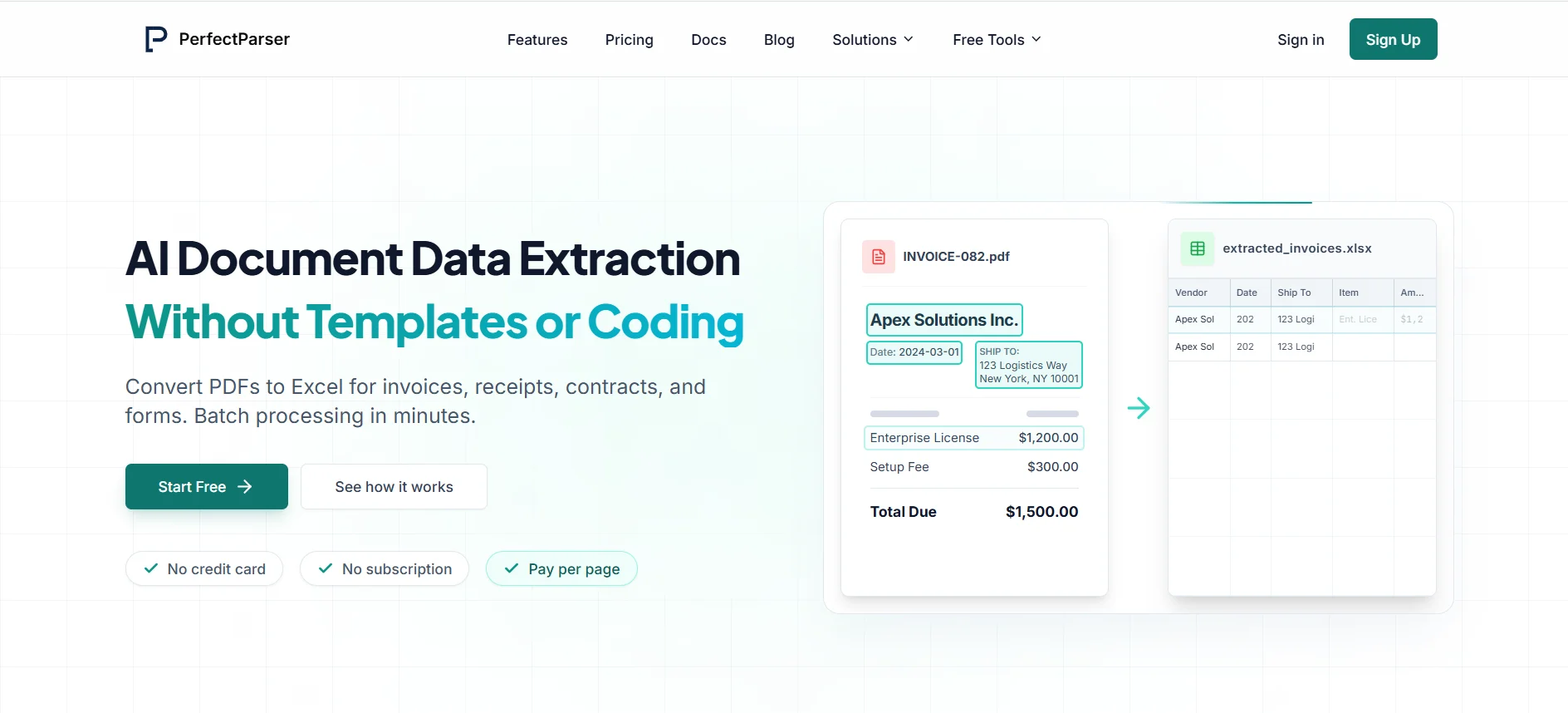
Overview: PerfectParser is an agile, AI-driven document extraction platform built for operations teams, finance professionals, and software developers who need immediate, accurate data extraction without the friction of enterprise contracts or manual template building.
Key Features:
- Zero-Template Vision AI: Unlike legacy OCR tools that require drawing coordinate boxes or training custom models for every supplier format, PerfectParser's multimodal AI dynamically understands document context, extracting header fields and multi-line tables out of the box.
- Extract Data from PDF to Excel & CSV: Provides an intuitive web dashboard where users can drag and drop PDFs, scans, or images and immediately export structured data to Excel, CSV, or JSON. For step-by-step guidance, see our guide to converting PDF to Excel. You can also use our free interactive utilities like PDF to Excel and PDF to CSV.
- Developer-First REST API & Webhooks: Developers can integrate intelligent data extraction into custom applications in minutes using a clean REST API and webhooks, receiving clean key-value JSON rather than low-level geometric coordinate blocks.
- Document Versatility: Pre-optimized for complex business documents including invoice data extraction, receipt data extraction, bank statement data extraction, purchase order data extraction, and packing slip data extraction. For teams routing files from inboxes, explore our email parser solutions.
Where It Works Best: PerfectParser leads its category for small-to-medium businesses, high-growth startups, and operations teams that process fluctuating document volumes and want enterprise-grade AI accuracy without multi-thousand dollar commitments.
Pricing: 100% transparent pay-as-you-go pricing. New users receive 20 free page credits upon signup. Paid credit packs start at $19, with a popular 1,000-page pack available for $99 on our pricing page. All purchased credits remain valid for 12 months, eliminating the risk of losing unused credits at the end of the month. High-volume custom tiers are available upon request.
2. Google Cloud Document AI
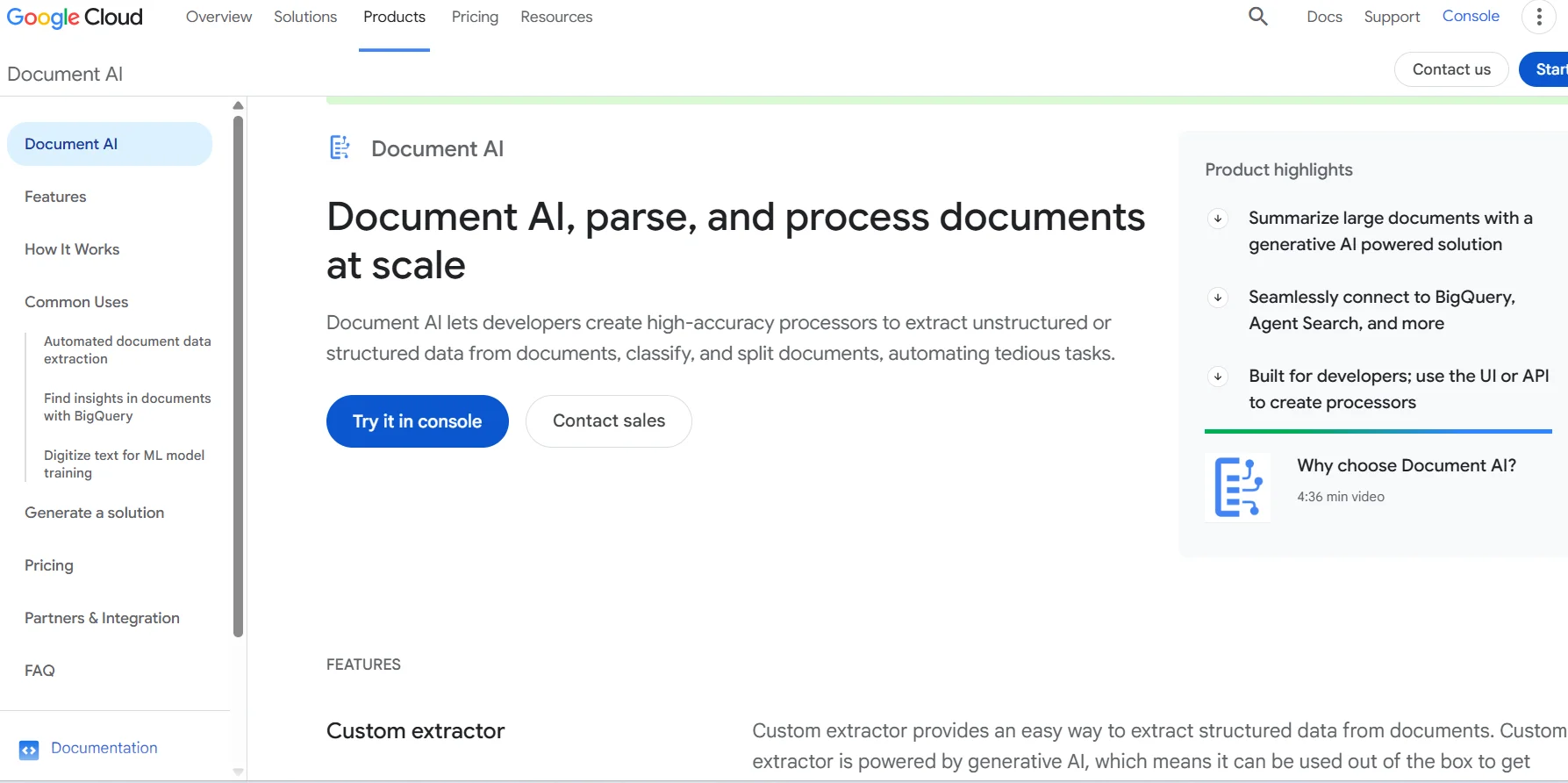
Overview: Google Cloud Document AI is a suite of machine learning processors designed for developers building document ingestion pipelines within Google Cloud Platform (GCP).
Key Features: Document AI offers modular processors categorized by task: Enterprise Document OCR for text digitization, Form Parser for extracting form fields and tables, Layout Parser for structural chunking, and specialized processors trained on common document types such as US invoices, receipts, and utility bills.
Where It Works Best: It is an excellent choice for cloud engineering teams already operating infrastructure within Google Cloud that require raw OCR primitives or custom processor training integrated into BigQuery or Cloud Storage pipelines.
Trade-offs: Document AI is an infrastructure API, not a turnkey business software application. It returns detailed JSON hierarchies that require software engineers to write extraction scripts, handle authentication and IAM permissions, and build user-facing review interfaces. There is no out-of-the-box spreadsheet download for non-technical users.
Pricing: Google Cloud Document AI bills strictly on a pay-as-you-go per-page basis: Enterprise Document OCR is priced at approximately $1.50 per 1,000 pages, while specialized processors and Form Parsers range from $10 to $30+ per 1,000 pages. New Google Cloud accounts receive a standard one-time $300 credit valid for 90 days across GCP services; Document AI does not provide a permanent recurring monthly free tier.
3. Microsoft Azure Document Intelligence
Overview: Formerly known as Form Recognizer, Azure Document Intelligence is Microsoft’s cloud-based AI service for extracting text, key-value pairs, tables, and document structure from business documents.
Key Features: Azure provides prebuilt models for transactional documents (invoices, receipts, tax forms, identity cards), layout analysis APIs for extracting tables and selection marks, and custom neural models that can be fine-tuned on company-specific document formats using labeled training sets.
Where It Works Best: Ideal for enterprise IT departments and development teams building proprietary document workflows within Microsoft Azure, Power Automate, or Microsoft 365 environments.
Trade-offs: Like Google Cloud, Azure Document Intelligence is a developer service. Non-technical business users cannot easily upload documents and export formatted spreadsheets without custom development or Power Automate workflow construction.
Pricing: Billed per page analyzed. Rates depend on the chosen model (e.g., Read OCR, Layout, Prebuilt Invoice/Receipt, or Custom Neural). Microsoft offers a limited free tier (F0 tier, typically 500 pages per month) alongside standard pay-as-you-go and high-volume commitment tiers. Pricing varies by cloud region; consult the Azure Pricing Calculator for specific projections.
4. Amazon Textract
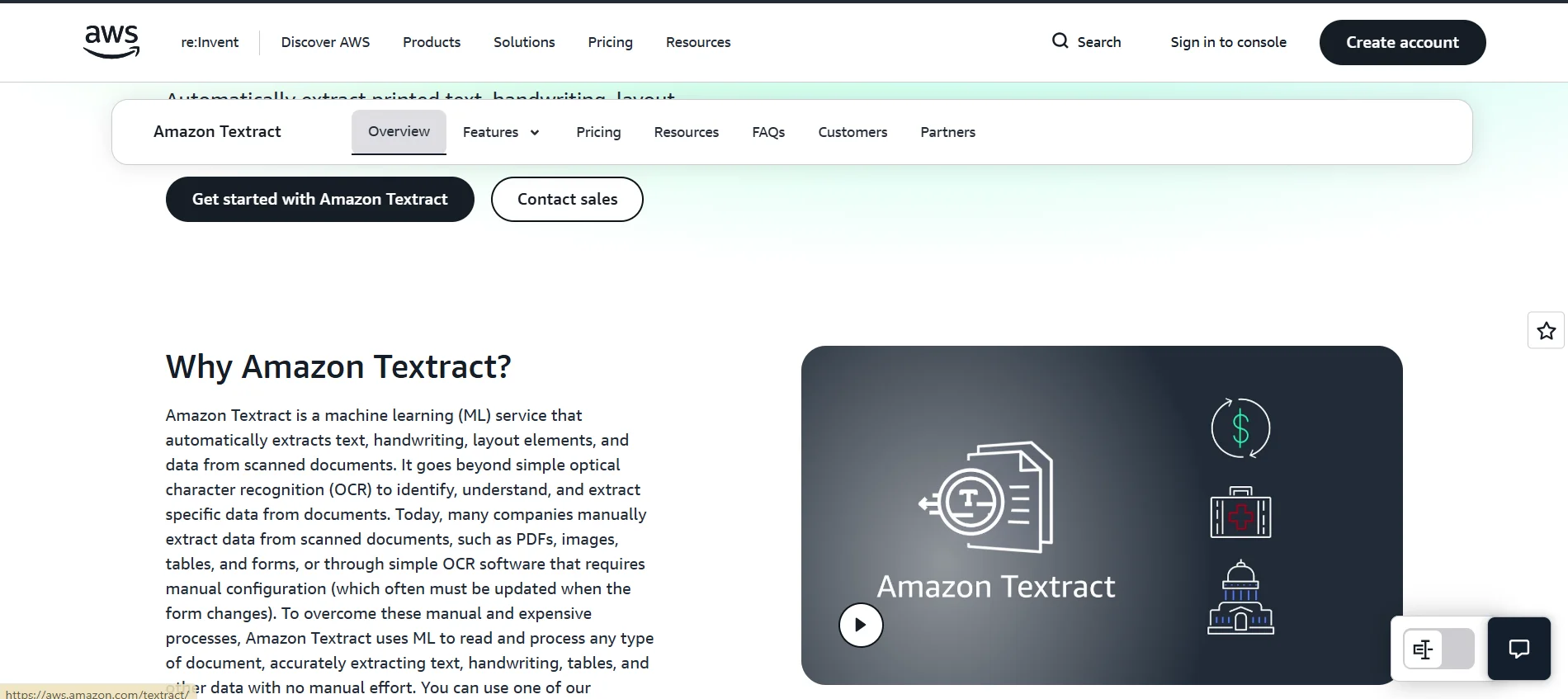
Overview: Amazon Textract is an AWS machine learning service that automatically extracts printed text, handwriting, forms, and structured tables from scanned documents and PDFs.
Key Features: Textract breaks down document analysis into distinct API capabilities: DetectDocumentText for basic OCR, AnalyzeDocument with FORMS for key-value pair extraction, TABLES for structured table rows and cells, and natural language QUERIES that allow developers to extract specific data points using natural language prompts (e.g., "What is the invoice total?").
Where It Works Best: Best suited for AWS-native developers building serverless document processing pipelines using AWS Lambda, Amazon S3, and Amazon Textract.
Trade-offs: Textract’s raw API response returns a complex graph of Block objects linked by relationship UUIDs. Transforming a table or form response into a clean CSV row or flat JSON object requires significant post-processing code or reliance on client-side libraries such as Textract Response Parser (TRP).
Pricing: Billed per API feature and processed page. In standard US regions, DetectDocumentText costs $0.0015 per page for the first 1M pages, TABLES costs $0.015 per page, FORMS costs $0.05 per page, and combining multiple features sums the respective rates. The AWS Free Tier provides 1,000 free pages per month for eligible new accounts for the first three months.
5. Octoparse
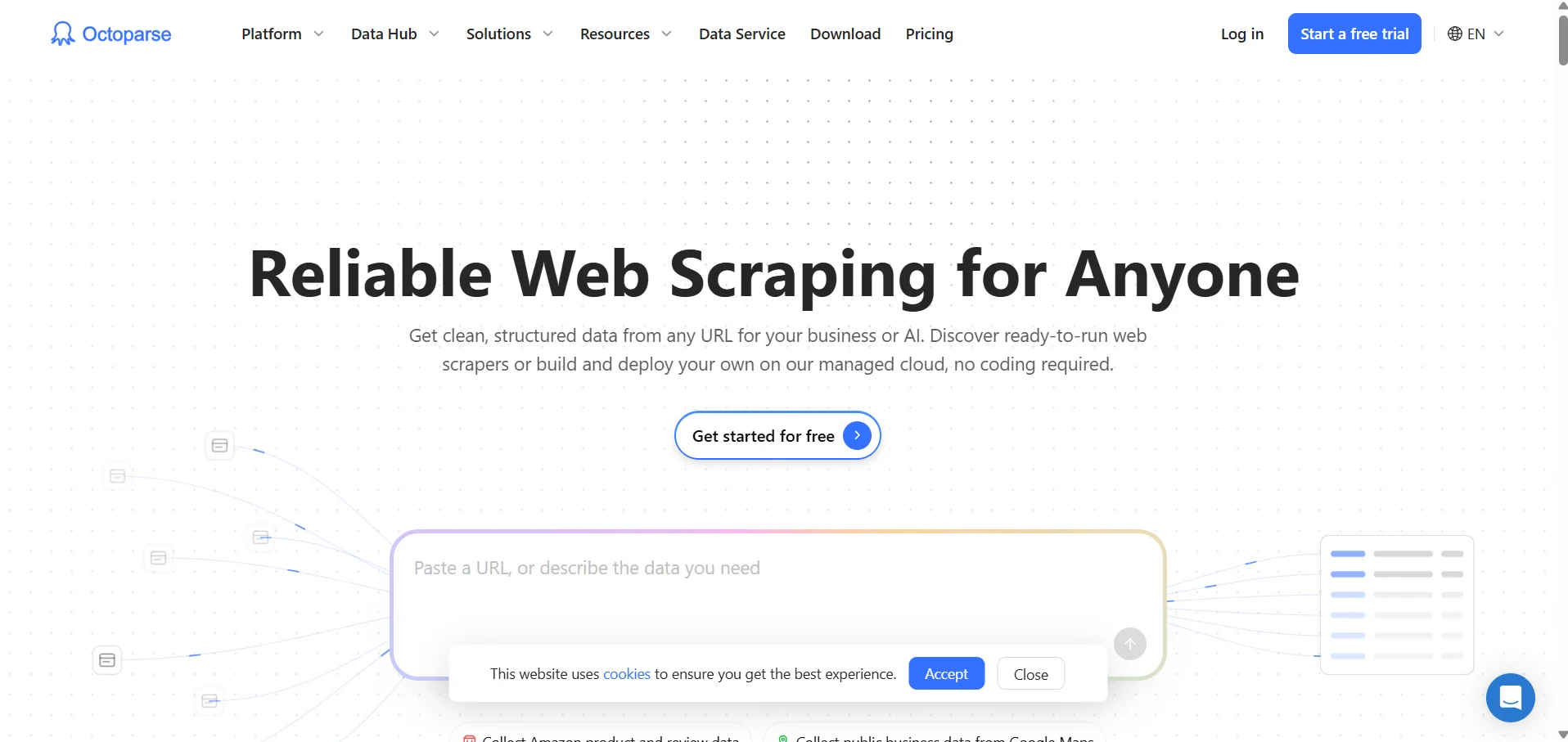
Overview: Octoparse is a leading no-code web scraping tool designed to extract structured data directly from websites, eCommerce marketplaces, and public directories.
Key Features: Provides a point-and-click visual workflow builder, automated detection of web page tables and pagination, scheduled cloud-based scraping runs, anti-blocking proxy rotation, and direct data exports to Excel, CSV, or databases via API.
Where It Works Best: Ideal for market research analysts, eCommerce brands monitoring competitor pricing, real estate aggregators, and marketing teams collecting public lead data from websites.
Trade-offs: Octoparse is exclusively a web scraping tool. It does not possess document OCR engines or PDF parsing capabilities; it cannot extract information from uploaded PDF invoices, contracts, or scanned paper receipts. It is included here to help teams distinguish between web data extraction and document data extraction.
Pricing: Octoparse provides a free plan with 10 local tasks and up to 50,000 exported rows per month. Paid cloud plans include the Standard plan starting at $69 per month (annual billing) and the Professional plan at $249 per month.
6. Rossum
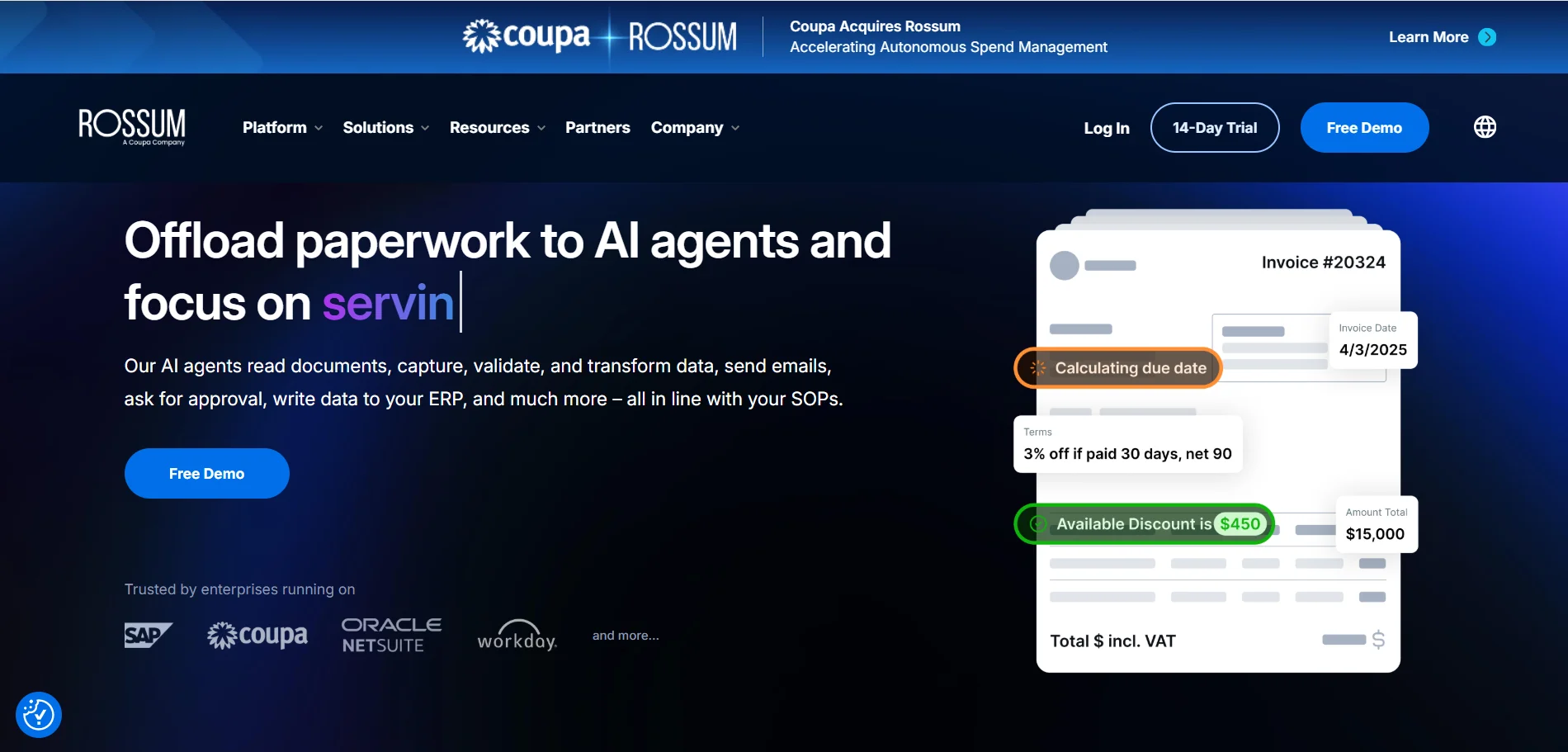
Overview: Rossum is an enterprise-grade intelligent document processing (IDP) platform designed to automate high-volume accounts payable, logistics, and transactional document workflows across corporate finance systems.
Key Features: Features proprietary deep learning extraction models, an advanced web-based validation interface for human-in-the-loop exception handling, automated document sorting and splitting, communication audit trails, and pre-built integrations with enterprise ERP systems such as SAP, Oracle NetSuite, and Coupa.
Where It Works Best: Best for large global enterprises and shared service centers processing tens of thousands of complex multi-currency invoices, customs declarations, and shipping documents each month.
Trade-offs: Rossum carries an enterprise-only pricing barrier. It requires multi-week implementation cycles, custom onboarding, and strict annual commitments that make it budget-prohibitive for small and mid-sized businesses.
Pricing: Rossum operates strictly on annual enterprise contracts. Public pricing lists Starter plans from $18,000 per year, with higher tiers requiring custom quotes based on annual document volume and workflow complexity.
7. Veryfi OCR API
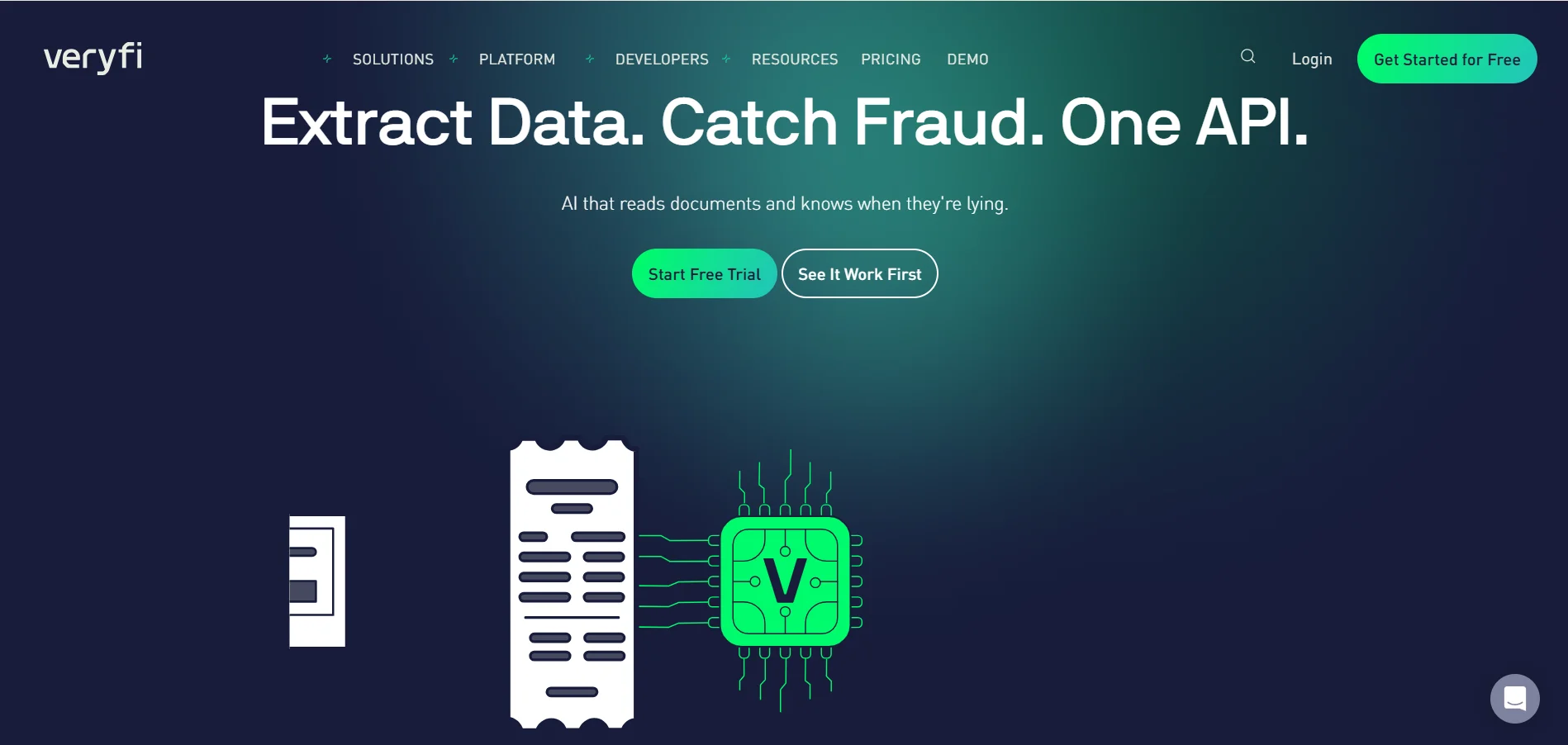
Overview: Veryfi provides real-time data extraction APIs and mobile SDKs tailored specifically for consumer receipts, invoices, bills, and purchase orders.
Key Features: Known for sub-second processing speeds, mobile camera capture SDKs with automatic edge detection and perspective correction, line-item table parsing, Level-3 SKU line-item enrichment, and compliance certifications including SOC 2 Type II and HIPAA.
Where It Works Best: Mobile app developers and fintech companies building receipt-scanning expense trackers, loyalty reward apps, or automated bookkeeping integrations that require rapid camera-to-data conversion.
Trade-offs: Veryfi imposes a high monthly minimum commitment. While per-document transaction rates appear accessible ($0.08 per receipt, $0.16 per invoice on Starter), the Starter plan requires a $500 monthly minimum spend, making it costly for teams with low or unpredictable monthly volumes.
Pricing: Offers a free developer sandbox with up to 100 transactions per month. Production Starter plans require a $500 monthly minimum; high-volume enterprise tiers require custom contractual agreements.
8. Nanonets
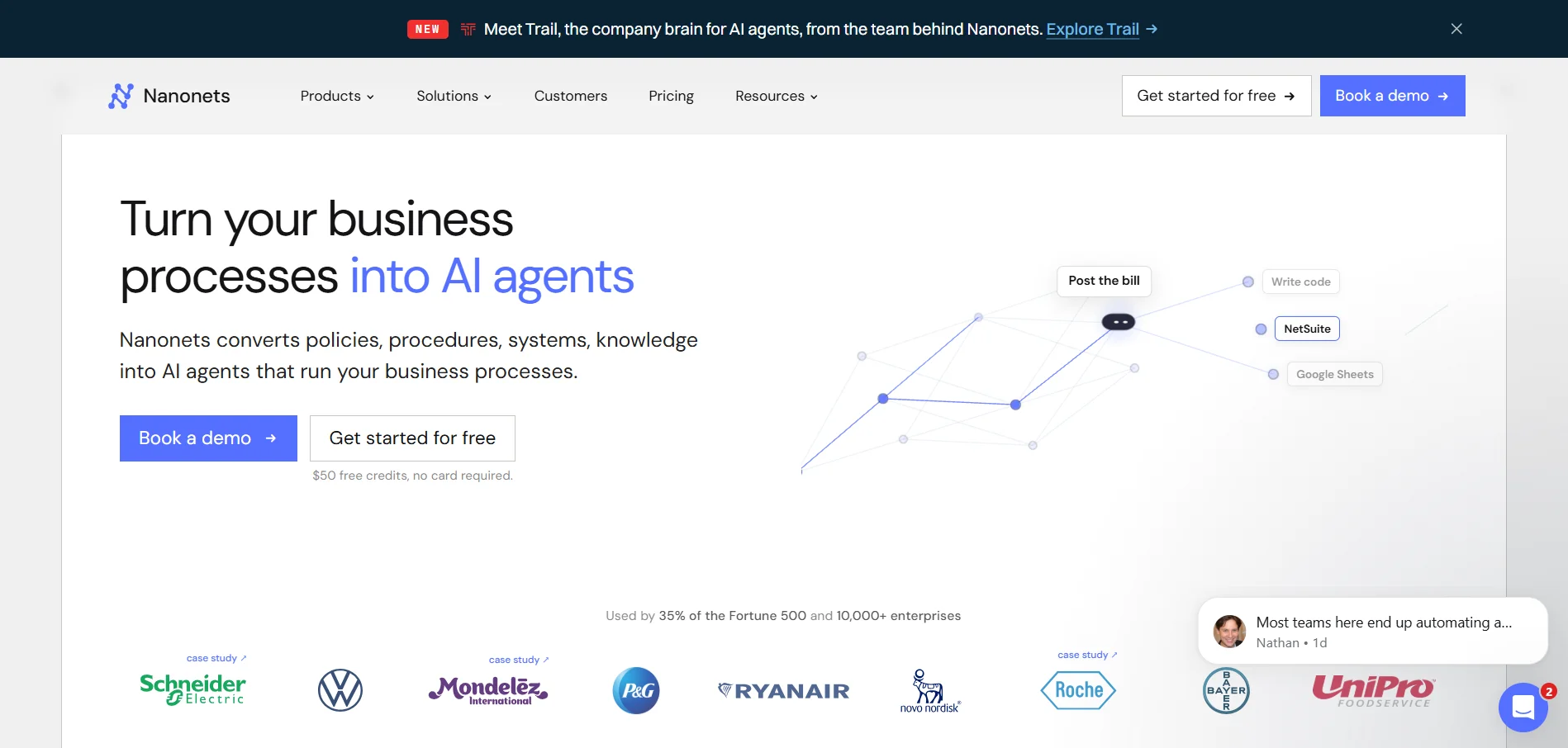
Overview: Nanonets is an AI-powered document processing and workflow automation platform that combines OCR data extraction with visual multi-step business logic and approval routing.
Key Features: Provides pre-trained models for invoices, receipts, and bills of lading, alongside a no-code workflow builder that allows teams to classify documents, perform 2-way and 3-way matching, run mathematical validation checks, and route approved records directly into accounting software like QuickBooks and Xero.
Where It Works Best: Operations and finance teams that need to chain automated data extraction directly to automated downstream validation and approval rules without writing custom code.
Trade-offs: Nanonets uses a workflow block pricing structure that can become expensive for complex multi-step processes. Because operations are billed per block run (e.g., $0.02 for simple formatting, $0.10 for standard AI, and $0.30 for complex AI extraction), a document requiring classification, table extraction, and validation runs multiple billable blocks per page.
Pricing: New accounts receive $50 in free trial credits. The Starter pay-as-you-go plan costs $100 per month (including 100 credits); Growth and Enterprise plans require custom volume quotes.
9. Docparser
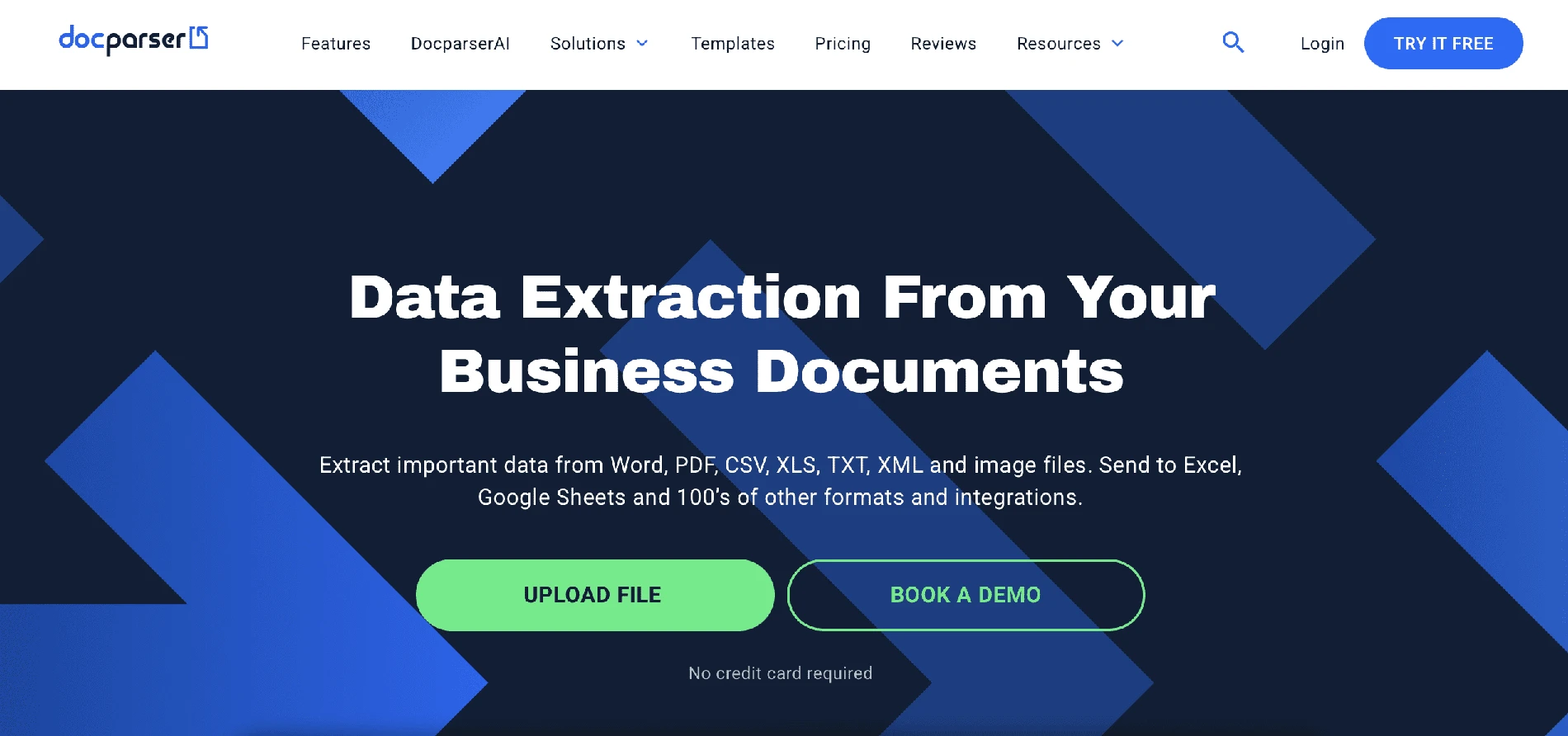
Overview: Docparser is a veteran cloud-based document data extraction software designed to parse structured data from recurring PDF business documents, scanned forms, and spreadsheets using zonal OCR and anchor-based parsing rules.
Key Features: Offers an interactive visual rule editor, anchor-based text extraction (capturing values located relative to fixed text labels), table extraction filters with customizable column separators, automated intake via email forwarding or API, and pre-built integration hooks for Google Sheets, Microsoft Excel, Zapier, and webhooks.
Where It Works Best: Organizations that regularly receive high volumes of standardized, recurring documents where the visual layout and geometry never change (such as fixed government PDF filings, standardized internal timesheets, or uniform order confirmations).
Trade-offs: Heavy template maintenance overhead. Docparser is architecturally rooted in coordinate-based rules and anchors. When a vendor modifies their invoice layout, shifts columns, or wraps line items across two rows, Docparser's parsing rules frequently break, requiring manual rule reconfiguration. For organizations processing documents from hundreds of diverse suppliers, building and maintaining separate parsing rules for each vendor becomes unmanageable compared to modern zero-template AI parsers.
Pricing: Billed strictly as a recurring monthly subscription: Starter is priced at $39 per month (100 document credits), Professional at $74 per month (250 document credits), and Business at $159 per month (1,000 document credits). Unused monthly credits do not roll over to subsequent billing periods.
10. ABBYY Vantage
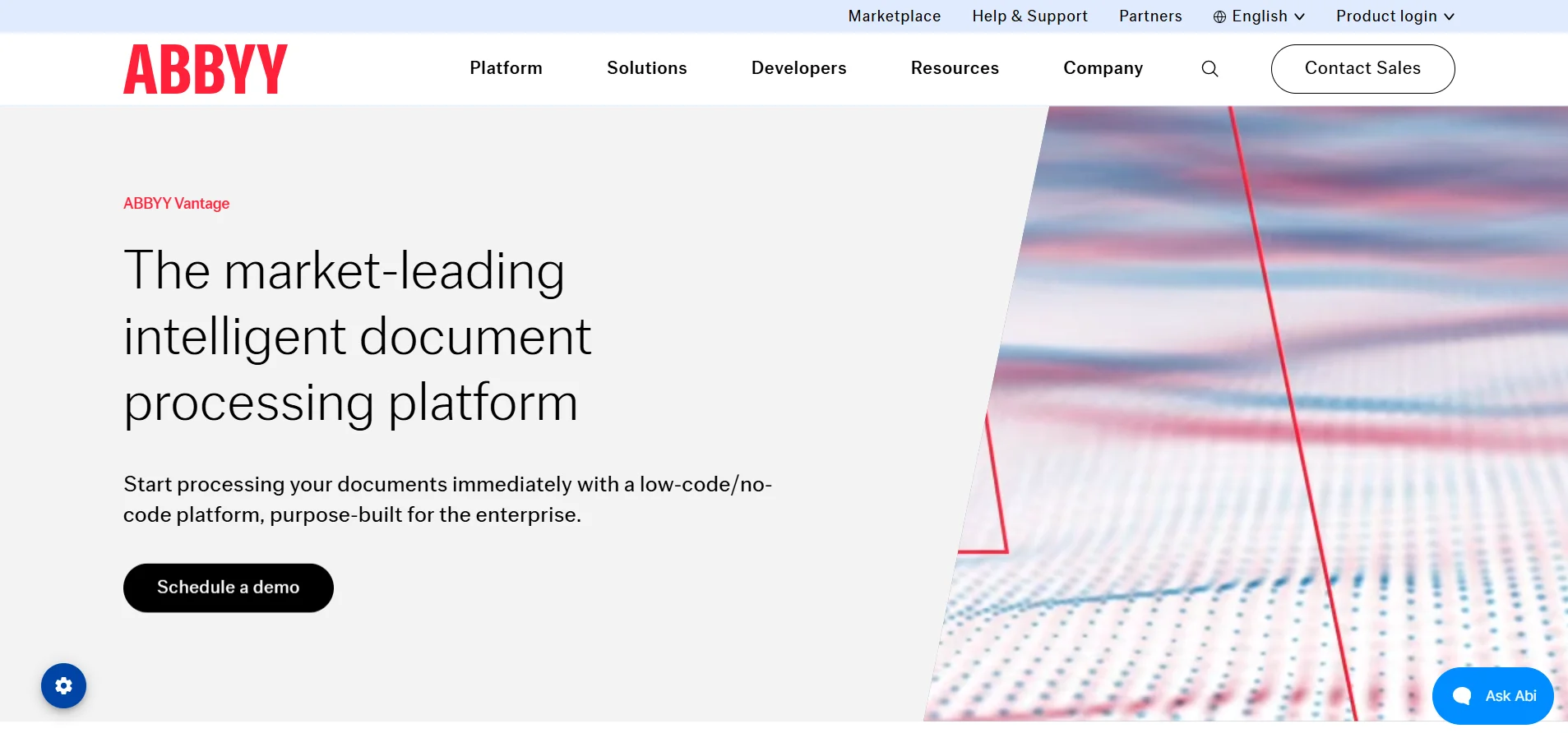
Overview: ABBYY Vantage is a cloud-first intelligent document processing platform designed to provide configurable AI "document skills" for large enterprise systems and robotic process automation (RPA) platforms.
Key Features: Vantage replaces legacy, monolithic OCR rules with containerized, pre-trained microservices called Document Skills available in the ABBYY Marketplace. It offers skills for invoices, purchase orders, identity verification, bills of lading, and tax documents, along with tight connectors for enterprise RPA suites like UiPath, Blue Prism, and Automation Anywhere.
Where It Works Best: Large enterprises and systems integrators seeking to upgrade legacy ABBYY FlexiCapture deployments into modern, cloud-native automated RPA workflows.
Trade-offs: Enterprise-heavy setup with complex licensing models. Configuring custom document skills requires enterprise training, and commercial terms are opaque, requiring formal sales engagement.
Pricing: Available exclusively via custom enterprise quotes based on expected document volume, skill requirements, and infrastructure deployment models.
How to Choose the Best Data Extraction Tool
Selecting the right automated data extraction software requires matching your technical resources, document complexity, and budget with the right software category:
- Document Extraction vs. Web Scraping: First verify the data source. If you need public web page data, choose a scraper like Octoparse. If you need to extract data from PDF files, scanned papers, or digital receipts, select a dedicated document extraction platform.
- Turnkey Platform vs. Developer Primitives: If you need non-technical team members to upload documents and immediately download clean Excel or CSV spreadsheets, choose a turnkey platform like PerfectParser. If your engineering team is building proprietary cloud services from scratch and can write custom JSON post-processing scripts, evaluate hyperscalers like AWS Textract, Azure Document Intelligence, or Google Cloud Document AI.
- Zero-Template AI vs. Template Maintenance: Avoid legacy template-based tools like Docparser if you process invoices or receipts from dozens of different suppliers. Modern zero-template AI tools use multimodal vision models to extract fields contextually, eliminating the need to build and maintain rigid coordinate templates.
- Table & Line-Item Handling: In business documents, the most valuable data often lives in tables (item descriptions, SKUs, quantities, unit prices). Test your candidate software on complex multi-page tables to verify that it extracts data from PDF to Excel spreadsheets without splitting line items or dropping columns.
- Total Cost of Ownership & Contract Terms: Review the true entry cost:
- Are you locked into an annual contract ($18,000/yr on Rossum)?
- Is there a mandatory monthly minimum spend ($500/mo on Veryfi)?
- Do monthly credits expire if unused, or do they roll over for 12 months (like PerfectParser's $19 starter pack)?
- Integration Flexibility: Ensure the tool supports your workflow requirements, whether via drag-and-drop web downloads, automated email forwarding, or direct REST API and webhook integrations.
Ending Notes
The most effective data extraction software balances extraction accuracy, speed of deployment, and predictable pricing. While hyperscalers offer powerful OCR building blocks and enterprise platforms deliver robust compliance for Fortune 500 AP departments, modern agile teams increasingly demand zero-template AI flexibility without enterprise contract lock-in.
Test prospective tools with your own sample documents—including wrinkled scans, smartphone photos, and multi-page invoices—before committing to a long-term plan.
Skip the $18,000 Enterprise Lock-In & Fragile Templates
Upload your most complex invoice, receipt, or multi-line table. Extract structured fields and clean spreadsheets in under 10 seconds — 20 free page credits included, no credit card required.
Start Extracting Free →