
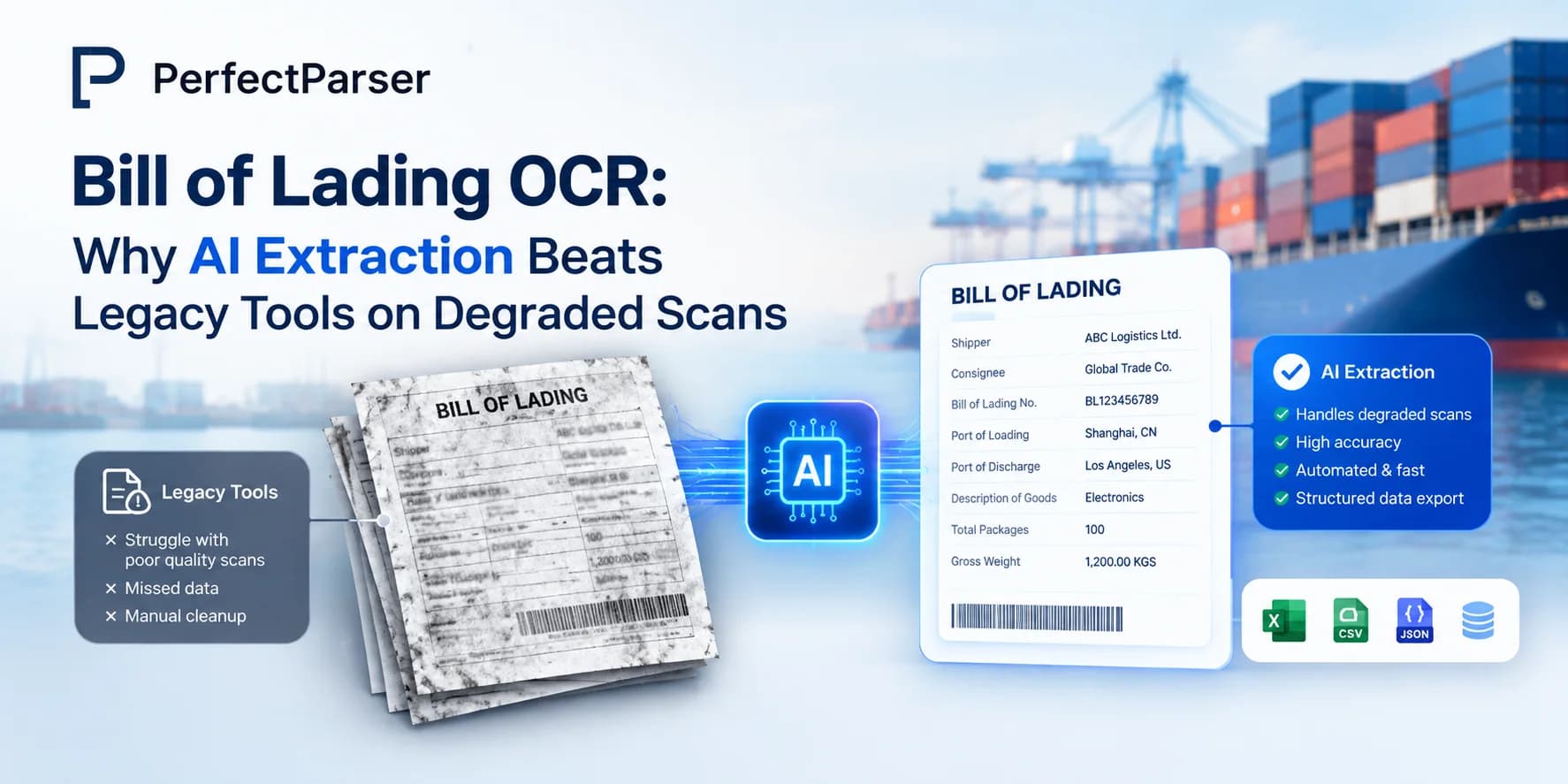
Quick answer: AI-powered bill of lading OCR uses context-aware machine learning instead of rigid pixel-matching templates, enabling it to accurately read faded carbon copies, low-resolution faxes, and skewed mobile photos that typically break legacy OCR tools.
Key Takeaways
- •A bill of lading is a legally significant document, and errors in extracted data carry real financial and compliance risk.
- •Traditional OCR reads characters; it doesn't understand freight documents, and it breaks down further on carbon copies and faxes.
- •Carbon copies fail because of physical print mechanics — faxes fail because of transmission and compression artifacts. Each needs a different kind of handling.
- •Template-based bill of lading OCR software is the biggest trap for freight teams processing documents from many carriers.
- •The right bill of lading OCR API should return structured, labeled JSON — not raw text — and should hold up on your worst documents, not just your best ones.
Every freight team has a folder somewhere — digital or literal — full of bills of lading that are barely legible. A carbon-copy BOL signed in a moving truck, faded to gray. A fax that came through at 3 a.m., skewed and full of compression noise. A phone photo of a BOL taken on a loading dock, half in shadow. These documents aren't the exception in freight — they're a huge share of daily volume, and they're exactly where most bills of lading OCR tools quietly fall apart.
This guide looks at why that happens, what a real bill of lading OCR API needs to handle degraded input, and what to check before you commit to any bill of lading data extractor.
What is a bill of lading (BOL)?
A bill of lading is a legal document issued by a carrier to a shipper at the point a shipment is picked up. It does three things at once: it's a receipt confirming the carrier has the goods, it's a contract of carriage setting the terms of transport, and in many cases it's a document of title, meaning it can represent ownership of the goods it describes.
Because it carries legal weight, the data on a BOL isn't just reference information — it's the record both parties rely on if there's a dispute, a claim, or a compliance check. That's part of why getting bill of lading data extraction wrong is more costly than getting, say, a packing slip wrong. Under FMCSA rules, a compliant bill of lading needs to show the consignor and consignee names, origin and destination, cargo quantity, freight description, and weight or volume at minimum — and carriers are required to retain that record for at least a year.
Common Types of Bills of Lading and Layout Challenges
Not every BOL looks the same, and a bill of lading OCR tool that only works on one format isn't much use in practice. The common types you'll run into:
- •Straight bill of lading — non-negotiable, issued to a named consignee. This is the most common type freight teams process daily, which is also why straight bill of lading OCR accuracy matters more than any other single format.
- •Order bill of lading — negotiable, can be transferred to a third party before delivery, common in trade finance.
- •Inland BOL — for domestic shipments within one country's borders.
- •Ocean BOL — for sea freight, with terms specific to international carriage.
- •Claused BOL — notes damage or discrepancies found at pickup.
- •Clean BOL — confirms goods were received in good condition, no exceptions noted.
- •Through BOL — covers a shipment across multiple modes of transport, origin to final destination.
Each of these can come from a different carrier, in a different layout, with a different mix of typed and handwritten fields — which is exactly the variability that breaks rigid, template-based extraction unless you use an AI bill of lading parser to normalize multi-carrier freight documents.
What is OCR in Bills of Lading?
Optical character recognition (OCR), at its core, converts an image of text into machine-readable characters. Applied to a bill of lading, basic OCR can technically "read" the words on the page — but reading is not the same as understanding.
Plain OCR doesn't know that a name in the top-left is the shipper and not the consignee. It doesn't know that a number next to "lbs" is the weight and not a reference code. It just returns text, in roughly the position it appeared, and leaves a human to sort out what everything means. That gap is why bill of lading OCR API providers increasingly build AI-based document understanding on top of raw OCR — extracting shipper, consignee, cargo description, weight, piece count, and reference numbers as labeled fields, not a wall of undifferentiated text.
This distinction matters even more once you factor in document condition. A clean, high-contrast PDF is forgiving. A carbon copy or a fax is not — and this is where the difference between basic OCR and true bill of lading OCR software becomes obvious.
Why carbon copies break OCR
Carbon-copy BOLs are created by pressure, not ink cartridges — a pen pressing through multiple layers of paper. That means:
- •Character strokes are often incomplete or uneven, especially on the second and third copies in a set.
- •Contrast between text and background is low, and fades further with age, heat, or handling.
- •Handwriting quality varies enormously since these are usually filled out in a cab or on a dock, not at a desk.
Template-matching OCR, which relies on consistent character shapes and clean edges to segment text, tends to either misread characters or return low-confidence results it can't recover from.
Why faxed BOLs break OCR
Faxes fail for different, mostly transmission-related reasons:
- •Fax compression (typically low-resolution, often under 200 DPI) introduces artifacts that distort character edges.
- •Pages are frequently skewed or slightly rotated from how they are fed through the machine.
- •Thermal fax paper physically fades over months, so a BOL faxed and archived a year ago may be barely readable even to a human.
A bill of lading OCR API that was only trained and tested on clean digital PDFs will usually see accuracy drop sharply on these two document types — not because the model is bad in general, but because it was never evaluated against this kind of degradation.
Why Bill of Lading OCR API Matters Significantly
For freight brokers, carriers, and logistics teams, BOL volume adds up fast — hundreds a day is common for a mid-sized operation. A few reasons this makes bill of lading OCR a necessity rather than a nice-to-have:
- •Manual entry doesn't scale. Every BOL keyed in by hand is a few minutes of labor and a chance for a typo that turns into a billing dispute or a customs delay later.
- •Errors are expensive precisely because the document is legal. A misread weight or destination on a BOL isn't just a data quality issue — it can affect freight class, billing, and customs clearance (see how ingestion lag triggers costly port demurrage fees).
- •Structured output enables automation downstream. A bill of lading OCR API that returns clean JSON — shipper, consignee, weight, pieces, reference numbers — can feed directly into a TMS or accounting system without a human re-typing anything. That's the practical value behind automating bill of lading OCR JSON output as a workflow.
- •Volume keeps growing across formats. New carriers, new BOL layouts, and a steady stream of low-quality scans and faxes mean any solution has to keep working without constant reconfiguration.
What to Avoid When Choosing Bill of Lading OCR Software
Template-dependent tools. If a bill of lading OCR tool asks you to map fields for each carrier's format before it can read a document, you're signing up for ongoing maintenance work every time a new layout shows up — and freight has a lot of layouts.
Tools that were only tested on clean documents. Plenty of bill of lading OCR software performs well in a sales demo using a pristine PDF and falls apart the moment it meets a real carbon copy or a fax pulled from an archive. If a vendor can't show you results on degraded input, assume it hasn't been built for it.
Raw text output with no structure. A BOL scanner that just dumps text in reading order still leaves your team to identify which value is which. That's not extraction — it's just digitization.
Single-document, single-format tools. If your BOL scanner can't also handle the invoices and delivery notes that travel alongside it, you'll end up stitching together multiple systems anyway.
Key Capabilities to Look For in a Bill of Lading OCR Solution
Genuine handling of degraded input, not just a claim of it. Ask specifically about carbon copies and faxes, not just "scanned documents" in general — since the failure modes are different and a tool needs to be built for both.
Template-free extraction. The system should understand what a bill of lading is and where fields typically sit, without needing a template built for every carrier.
Structured, labeled JSON output. Shipper, consignee, weight, pieces, and reference numbers should come back as clean fields ready to route into a TMS — not raw text to parse again.
A real test before you commit. Run your three worst bills of lading through any bill of lading OCR API you're evaluating — ideally a faded carbon copy, an old fax, and an unusual carrier layout. If it holds up on all three without configuration, that's a meaningful signal. If it needs setup or stumbles, keep looking.
Confidence scoring on low-quality fields. A good bill of lading data extractor should flag which fields it's uncertain about on a degraded document, rather than silently returning a low-confidence guess as if it were certain.
How PerfectParser handles bills of lading
PerfectParser was built with the assumption that a meaningful share of the BOLs a freight team processes won't be clean digital documents. That means carbon copies, faxes, phone photos, and multi-generation scans are treated as normal input, not edge cases handled by exception.
In practice, that looks like:
- •Extraction tuned for low-contrast, uneven text, so faded carbon-copy fields are still recoverable rather than dropped.
- •Handling for fax-specific artifacts — skew correction and compression noise — before field extraction runs.
- •Template-free field recognition across carrier formats, so a new BOL layout doesn't require setup work.
- •Structured JSON output for shipper, consignee, weight, pieces, and reference numbers, built for direct integration into a TMS or accounting system.
You can see the specifics of how this applies to freight documents on the bill of lading data extraction page.
Why choose PerfectParser
Most bills of lading OCR software are evaluated and built against clean documents, because that's what performs well in a demo. PerfectParser's focus on degraded input specifically — carbon copies, faxes, and repeated scans — means it's solving for the documents that actually cause the most rework in freight operations, not just the easy ones.
For teams handling straight bills of lading from dozens of carriers, that difference shows up as fewer manual corrections, fewer exceptions kicked back to a human, and BOL digitization that keeps working as document quality varies — not just on the best day's batch.
Ending Note
Bill of lading OCR has moved well past "can it read the text." The real test now is whether it can read the text on the documents that are actually hardest to read — the faded carbon copy from a rushed pickup, the fax that's been sitting in an archive for a year. Any bill of lading OCR API worth adopting should be judged on that standard, not on how it performs against a clean PDF in a sales demo.
Try PerfectParser Free
Extract data from your first documents today. No credit card required — 20 free credits included.
Start Extracting →