
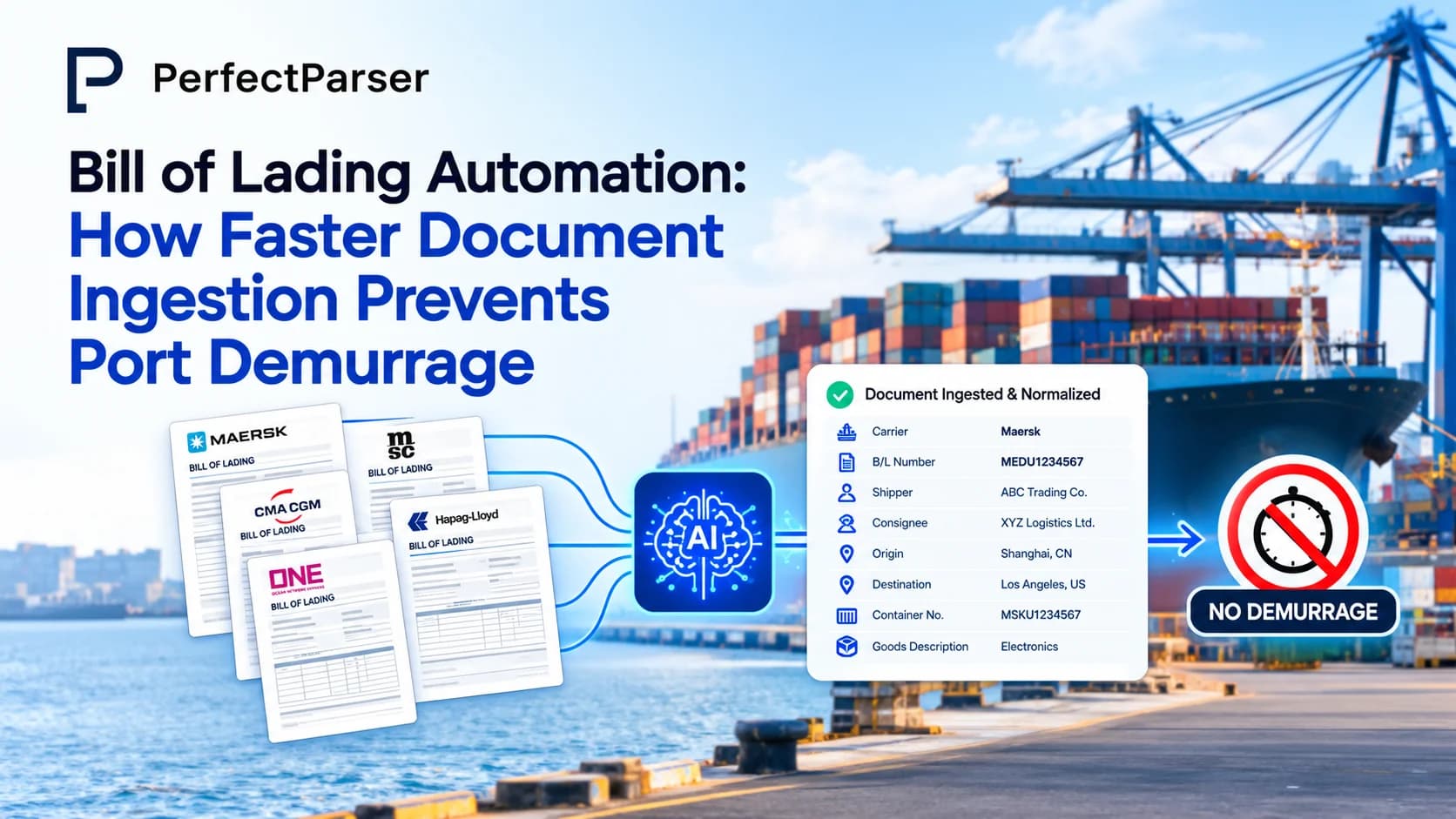
Quick answer: Bill of lading automation prevents port demurrage charges by extracting container, vessel, and cargo details the moment shipping paperwork lands—allowing customs clearance and drayage pickup scheduling to initiate immediately before port free-time expires.
Key Takeaways
- •Manual bill of lading processing is slow and error-prone, and every hour a BoL sits unread in an inbox is an hour closer to a demurrage clock starting.
- •Bill of lading automation extracts shipper, consignee, container, and commodity data the moment a document lands, instead of waiting for someone to open and key it in.
- •Detention and demurrage charges are almost always a documentation-speed problem before they are a shipping problem.
- •Faster document ingestion shortens the gap between "cargo arrives at port" and "customs and pickup paperwork is ready," which is the single biggest lever against demurrage fees.
- •Straight bill of lading and commodity bill of lading formats both benefit from automation, since neither depends on a fixed, unchanging template.
- •Choosing between automated bill of lading processing providers comes down to one question: how fast can they turn a real-world scanned BoL into usable data, not a demo one.
A container clears the vessel. The bill of lading for it is sitting in someone's inbox as a PDF, a scan, or a fax with a stamp across half the fields (often failing legacy tools unless processed by an AI OCR engine built for degraded scans). Nobody has opened it yet. That gap between the document arriving and someone acting on it is where port demurrage charges quietly start their clock. Bill of lading automation closes that gap by pulling the data out the moment the document arrives, so customs filing, pickup scheduling, and carrier updates can start immediately instead of waiting on a person with a full inbox.
This is the operational reality for freight forwarders, NVOCCs, customs brokers, and importers (part of the broader challenge of automating logistics document processing): the paperwork moves slower than the cargo. This guide breaks down what bill of lading automation actually does, why it matters for freight operations, how detention and demurrage charges build up, and how faster document ingestion is one of the most direct ways to prevent them.
What Is Bill of Lading Automation?
Bill of lading automation is the use of AI, OCR, and data-extraction software to read a bill of lading — whether it's a clean digital PDF, a scanned copy, or a faxed image — and convert it into structured, usable data without anyone manually retyping it. Instead of a person reading the shipper, consignee, container number, vessel details, ports of loading and discharge, and commodity description off a PDF and entering them line by line into a TMS or customs system, automated bill of lading processing does it in seconds and routes the result straight to the systems that need it.
This applies across formats. A straight bill of lading, which names a specific consignee and cannot be transferred to another party, still carries the same core fields — shipper, consignee, cargo description, port pairs — that automation is built to extract. A commodity bill of lading, covering bulk or specific goods categories with detailed line-item descriptions, weights, and packaging, benefits even more, because commodity data is usually the messiest part of the document and the most time-consuming to key in by hand.
The underlying shift is from template-dependent tools, which need a pre-built layout for every carrier and break the moment a carrier redesigns its form, to AI-driven extraction, which reads the fields you define regardless of layout. That distinction matters because no two carriers, freight forwarders, or terminals format their BoLs the same way, and a workflow that depends on fixed templates falls apart at exactly the volume where automation is supposed to help.
Why Is Bill of Lading Automation Important for Freight Operations?
Freight operations run on documents arriving, being understood, and triggering the next action: customs filing, warehouse scheduling, invoicing, delivery notification. A bill of lading sitting unread for a few hours doesn't just delay data entry; it delays every downstream step that depends on it.
It removes the bottleneck between document arrival and action. Operations teams don't need to open every BoL manually before customs paperwork or pickup instructions can begin. The data is already extracted and sitting in the system the moment the document lands.
It cuts the error rate that manual keying introduces. Retyping container numbers, HS codes, weights, and dates by hand is repetitive work, and repetitive manual work produces typos. A single wrong digit on a container number or a misread weight can trigger a customs hold, a rebill, or a claim that costs far more than the few minutes automation would have saved.
It scales without adding headcount. A freight forwarder handling a hundred BoLs a week and one handling a thousand shouldn't need proportionally more people just to read paperwork. Automated bill of lading processing handles volume spikes — a Monday backlog, a peak season surge — the same way it handles a quiet Tuesday.
It keeps every system in sync. Once BoL data is structured, it can flow into the TMS, the customs declaration workflow, the accounting platform, and the customer notification system at the same time, instead of being re-entered separately into each one.
It frees the team for the work that actually needs a person. Handwritten piece counts, damaged cargo notes, and dock-photo BoLs are genuinely hard cases that deserve a human look. Automation is at its best when it handles the routine 90% of documents so the team's attention goes to the exceptions.
What Are Detention & Demurrage Charges & Why Do They Matter in the Logistics Industry?
Demurrage is the fee a carrier or terminal charges when a container sits at the port or terminal beyond the agreed free time. Once that free period expires, the charge accrues per container, per day, until the cargo is collected. Detention is the related but separate charge for holding onto a container once it has left the port — the fee for not returning the empty box to the depot on schedule. Together, demurrage and detention are often bundled as "D&D" charges, and they are one of the most common and most avoidable cost overruns in ocean freight.
The terminal doesn't charge demurrage to be difficult. Port space is finite, and a container that isn't moved out on time occupies capacity the terminal needs for the next vessel's cargo. Demurrage is the financial pressure that's supposed to keep containers moving. In practice, though, the charges frequently trace back to something that had nothing to do with the physical cargo at all: paperwork that wasn't ready in time.
This matters to the logistics industry because D&D charges are rarely small, they compound daily, and disputing an incorrect charge means reconciling the invoice against the bill of lading, the contract terms, and the terminal's gate timestamps — a manual process with a short window to act. Many importers simply pay disputed charges rather than fight them, because verifying the claim by hand takes longer than the appeal window allows. That reconciliation gap is exactly where automated, structured BoL data earns its keep: a system that already has the shipment dates, container numbers, and terms extracted can flag a questionable charge in minutes instead of days.
How Faster Document Ingestion Helps Prevent Port Demurrage
Most demurrage isn't caused by a slow vessel or a congested berth. It's caused by paperwork that wasn't processed fast enough to let customs clearance, drayage scheduling, or payment happen inside the free-time window. Faster document ingestion attacks the problem at its actual source.
Customs filing starts sooner. Customs clearance typically can't begin until the bill of lading data is available in a structured, verifiable format. When a BoL is extracted automatically the moment it arrives by email or API — instead of sitting until someone gets to it — the customs filing clock starts hours or days earlier. That head start is often the entire difference between clearing within free time and running into demurrage.
Drayage and pickup scheduling isn't delayed by data entry. Trucking and drayage coordination depends on knowing the container number, weight, and delivery location as soon as possible. If that information is trapped in an unread PDF, the truck can't be booked (read how teams automate BoL data entry for freight forwarders & 3PLs), and every hour lost here eats directly into the free-time window.
Errors get caught before they become holds. Automated ingestion checks extracted fields against a defined schema — the right shape of data, the required fields present, values within allowed ranges — before the record ever reaches a TMS or customs system. A missing container number or a malformed weight is flagged immediately instead of surfacing three days later as a rejected filing.
Reconciliation becomes fast enough to actually use. Because reduce demurrage fees data extraction workflows keep every BoL's shipment dates, ports, and terms in structured form, checking a D&D invoice against the actual bill of lading takes minutes, not a manual multi-source review. That speed is what makes disputing an incorrect charge realistic instead of theoretical.
High-volume periods don't create their own backlog. Peak shipping season is exactly when demurrage risk spikes, because more BoLs arrive per day than a manual team can process in time. Automated ingestion processes documents as they land rather than in a nightly batch, so a volume spike doesn't quietly become next week's backlog of unprocessed paperwork.
Bill of Lading Automation Workflow
A practical bill of lading automation workflow generally follows the same five stages, regardless of which platform runs it:
- •Capture. The BoL arrives by email forward, direct upload, or API as a digital PDF, a scan, a fax, or even a dock photo. Capture should accept whatever format a carrier or terminal actually sends, since asking every partner to change how they send documents isn't realistic.
- •Extraction. AI and OCR engines read the document and pull out the fields that matter: shipper, consignee, carrier and SCAC, container and seal numbers, vessel and voyage, ports of loading and discharge, HS codes, Incoterms, commodity description, weight, and quantities. Line items — the commodity bill of lading detail — come out as structured rows rather than a single block of text.
- •Validation. Each extracted field is checked against defined rules before it moves anywhere else. A weight that arrives as text, a missing container number, or a freight class outside the allowed list gets flagged for review instead of silently reaching downstream systems.
- •Routing. Verified data is pushed automatically into the TMS, customs declaration workflow, accounting platform, and customer notification system through webhooks, an API, or automation connectors — so every system stays in sync without separate manual entry.
- •Exception handling. Documents that fail validation, or that involve handwritten notes and unclear scans, are routed to a person for a quick review rather than blocking the rest of the batch. This keeps a human in the loop exactly where judgment is genuinely needed.
Future Trends in Bill of Lading Automation
Electronic bills of lading (eBL) gaining real traction. A fully digital, legally recognized eBL removes the scan-and-extract step entirely, since the data is structured from the moment it's issued. Adoption has historically been concentrated among large carriers and enterprise shippers, but industry-wide digitization pushes are steadily narrowing that gap.
Tighter integration with customs and compliance systems. As automated bill of lading processing providers mature, expect closer direct connections between extraction platforms and customs declaration systems, reducing the manual handoff between "data extracted" and "filing submitted."
Predictive demurrage risk flags. As more shipment and terminal data becomes structured and queryable, automation platforms are starting to flag shipments at risk of missing free time before the charge accrues, rather than only helping reconcile it afterward.
AI models that need no per-carrier setup. The direction of travel is away from fixed templates entirely. AI-driven extraction that reads whatever a document says, rather than where a template expects it to be, is what makes automation resilient to the dozens of layout variations any real logistics operation sees.
Real-time visibility tied directly to document data. Container and port-congestion tracking tools are increasingly pulling their underlying data — ports, dates, container numbers — straight from automated BoL extraction, closing the loop between the paperwork and the physical shipment's live status.
Ending Note
The bill of lading is where a physical shipment becomes a record — and for most freight teams, a person is still standing between the two, reading a PDF on one screen and typing it into another. That gap is exactly where demurrage clocks start, customs delays creep in, and small errors turn into disputed charges weeks later.
Bill of lading automation closes that gap. The document arrives, the data comes out, the checks run, and the record lands where it needs to be before the free-time window has a chance to close. For freight forwarders, customs brokers, and importers trying to keep D&D charges off the invoice, faster document ingestion isn't a nice-to-have efficiency gain. It's one of the most direct, controllable levers available.
Try PerfectParser Free
Extract data from your first documents today. No credit card required — 20 free credits included.
Start Extracting →