
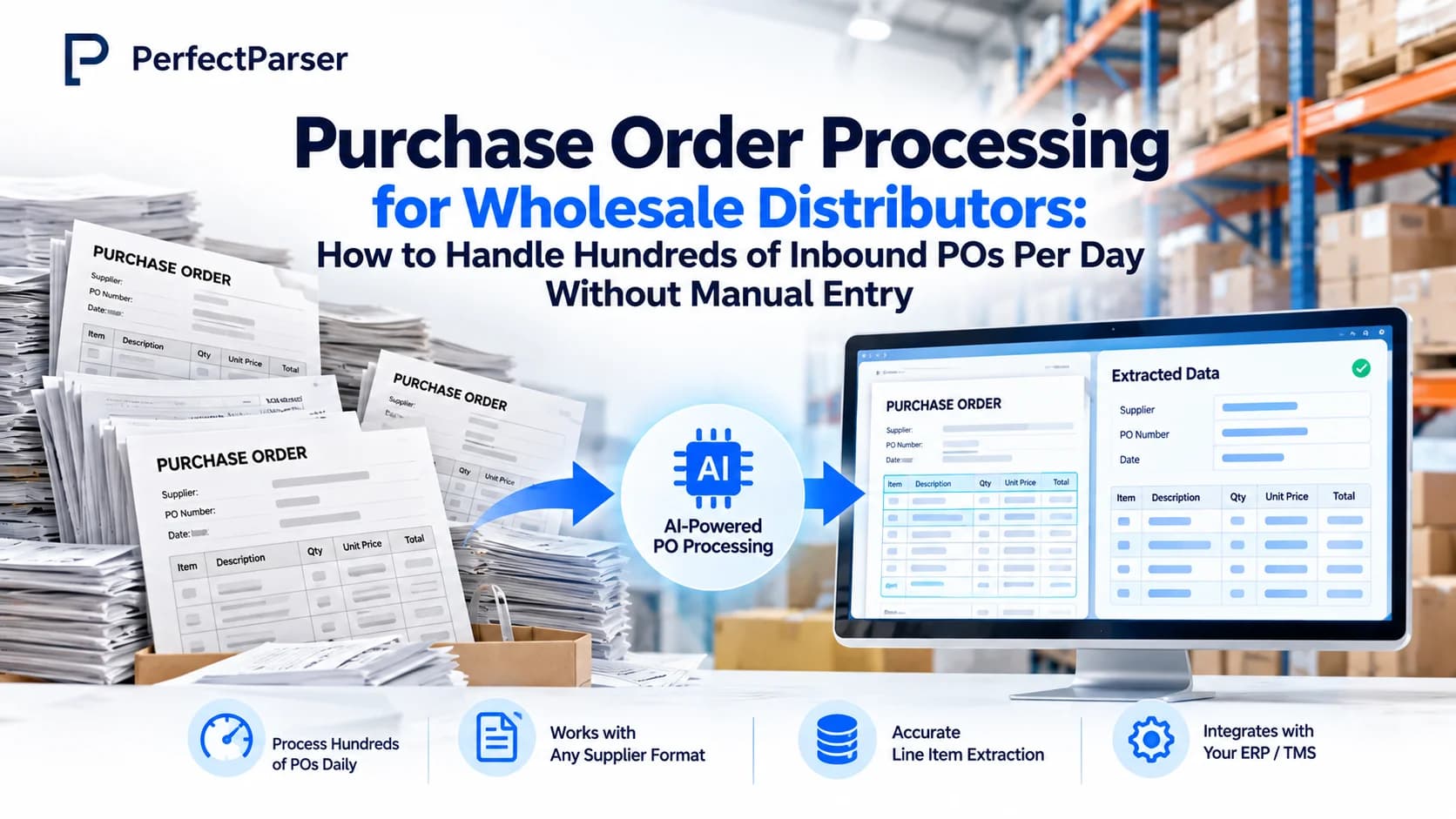
Quick answer: Purchase order processing for wholesale distributors converts incoming customer purchase orders into validated sales orders in an ERP or OMS. By replacing manual keying with AI document extraction, distributors handle 150–300+ daily inbound POs across email, PDF, and scans in minutes, cutting $750–$4,500 daily in avoidable rework while matching customer SKUs to internal product catalogs.
What Is Purchase Order Processing (and Automation) for Wholesale Distributors?
Purchase order processing is the work of receiving a customer's purchase order, verifying line items and terms, and entering it as a sales order in your ERP or order management system (OMS). Purchase order automation accomplishes this using intelligent document processing rather than manual data entry: it captures the inbound PO, extracts header and line-item details, matches catalog codes, and posts clean data directly downstream.
For distributors, this focuses primarily on inbound customer orders. (While procurement teams process outbound POs as part of the procure-to-pay cycle, distributors operate on the receiving and fulfillment end.)
How does automated extraction compare with traditional order channels?
Most distributors operate in a hybrid environment. While EDI handles top-tier retail accounts, AI document extraction bridges the gap for the majority of customers who continue emailing custom PO PDFs.
Why Typing Purchase Orders by Hand Is Slow, Error-Prone, and Costly
Consider a typical distributor workflow: receiving orders from 40+ commercial accounts, each with its own ERP form, column layout, and nomenclature. An order desk clerk manually opens each PDF, reads line items, cross-references SKU numbers, and re-keys data into NetSuite or SAP. At 150–300 POs per day, that represents 4–8 hours of pure data entry.
When a tired clerk transposes numbers or misreads a unit of measure, the mistake triggers a cascading failure: wrong items picked, freight re-delivery, restocking fees, and credit notes. If errors cost $5–$15 per order, a volume of 150–300 orders per day generates $750–$4,500 per day in avoidable rework (see our detailed 2026 purchase order processing cost benchmark).
Why does every customer's PO look different? Customers generate POs from their own internal ERPs, spreadsheets, or custom templates. They use their own internal item codes, varied product descriptions, different units of measure (each, inner pack, case, pallet), and custom payment terms. You cannot force clients to standardize their document formats, so layout variance lands squarely on your order desk.
Manual processing creates operational bottlenecks:
- Order latency: Orders sit in inbox queues, risking same-day fulfillment cutoffs.
- Picking errors: Mistyped SKUs or units lead to incorrect warehouse shipments (for warehouse receiving audits, see our guide on goods receipt line item discrepancies).
- Escalating labor overhead: Order volume expansion demands linear headcount growth.
- Customer dissatisfaction: Discrepancies lead to invoice disputes and delayed receivables.
Every B2B Order Arrives Through One of Seven Channels
The first four channels account for the overwhelming majority of B2B order flow—and that is where purchase order OCR and AI extraction deliver the highest return.
How Automated Inbound PO Processing Works: Four Steps for Every Channel
- Capture: Inbound orders from email inboxes, uploads, or integrations enter a unified intake queue.
- Extract: AI reads header data (PO number, customer name, ship-to address, order date) and all line-item tables using purchase order OCR, regardless of column positioning.
- Validate & Match: The system cross-references the customer's item descriptions and codes against your internal item master. Critically, pricing and terms are validated against your price list, not accepted blindly from the customer's PO. Discrepancies are flagged immediately.
- Send: Clean sales order data posts automatically into your ERP or OMS. Lines with ambiguous catalog matches are routed to a human reviewer.
For full three-way document alignment across order lifecycles, see our guide to packing slips vs invoices vs purchase orders.
What Wholesale Order Automation Looks Like in Practice
Consider the same distributor after implementing AI extraction:
- Before automation: 250 orders arrive overnight. Morning begins with a backlogged inbox. The team spends the day re-keying data, and late-afternoon orders miss warehouse cutoff deadlines.
- After automation: By morning, all 250 POs have been ingested, parsed, and cross-referenced with catalog master data. Clean sales orders are already sitting in the ERP ready for warehouse wave picking. The order desk reviews only a short exception list of flagged items (such as obsolete SKUs or pricing mismatches).
Every sales order maintains an audit link to the original customer document, giving customer service instant answers when buyers inquire about fulfillment details.
Key Benefits for Wholesale Operations (Six Outcomes)
- Accelerated order intake: Inbound orders reach the fulfillment queue in minutes instead of hours.
- Elimination of transcription typos: Semantic extraction and catalog validation replace manual typing.
- Reduced cost per order: Substantial labor savings and elimination of return shipping costs.
- Volume scalability: Handle peak seasonal spikes without hiring temporary data entry staff.
- Unified data format: Disparate customer layouts are normalized into one standardized ERP schema.
- Elevated team focus: Operations staff handle client relationship management and exception handling rather than repetitive data entry.
Validation checklist for wholesale PO intake:
- Customer SKU or item description matches internal item master
- Unit of measure and pack size conversion align
- Unit pricing reflects customer contract pricing schedule
- Line item sums match order total
- Valid delivery address and requested fulfillment date present
How PerfectParser Handles Wholesale PO Processing
PerfectParser is engineered specifically for distributors managing diverse customer document formats:
- Reads document semantics: No per-customer coordinate templates required.
- Uniform schema: Converts PDFs, scans, and spreadsheets into clean, structured sales order records.
- Intelligent confidence scoring: Ambiguous lines are flagged for fast review before ERP entry.
- Direct ERP/OMS integration: Delivers validated data directly to SAP, NetSuite, Microsoft Dynamics, or custom APIs.
Discover how purchase order data extraction helps wholesale distributors streamline order processing.
Automate Inbound Customer PO Intake
Ingest customer purchase orders from emails, PDFs, and spreadsheets directly into your ERP. Eliminate 4–8 hours of daily manual keying and stop $750–$4,500 in daily shipping errors. No credit card required.
Automate Your Inbound POs →