
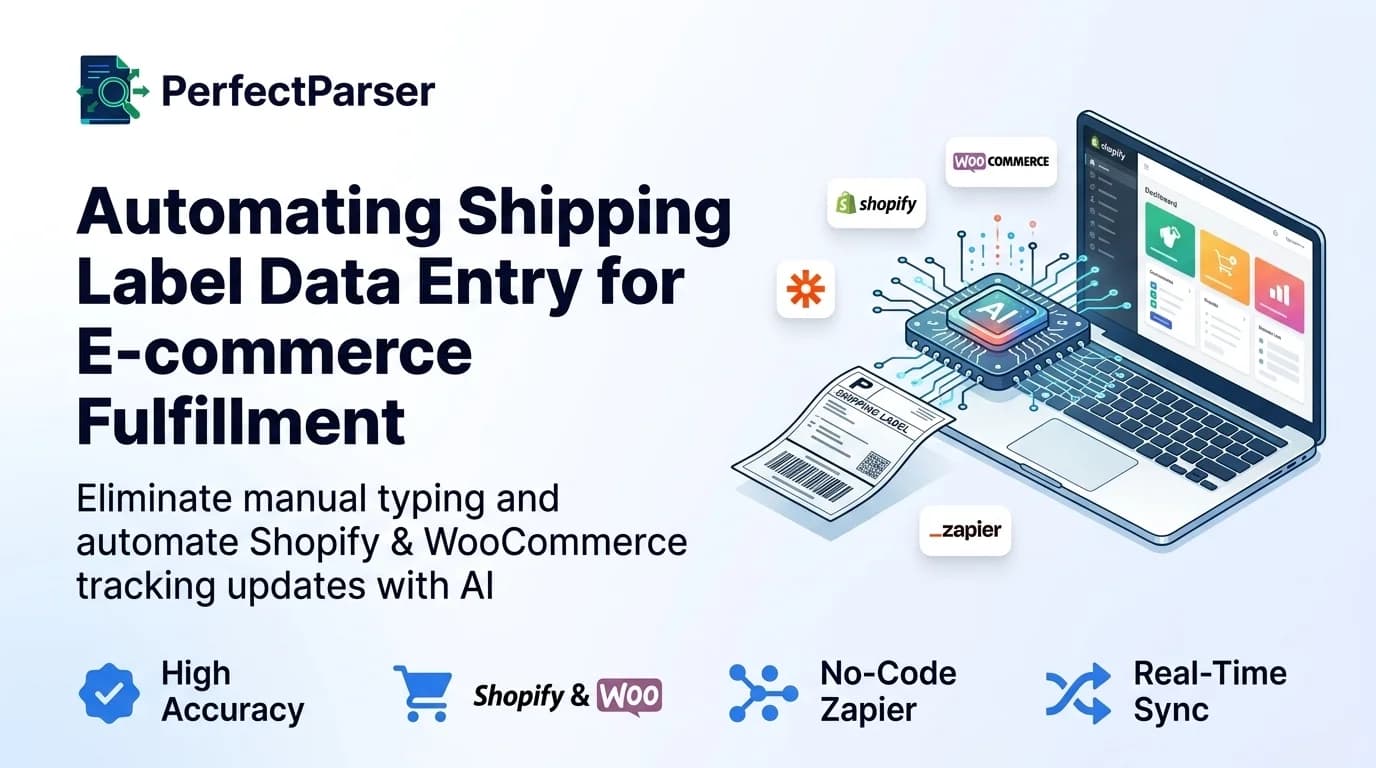
For growing e-commerce brands, shipping fulfillment and returns management quickly become severe operational bottlenecks. As daily order volumes scale from tens to hundreds or thousands of shipments, relying on warehouse workers to manually inspect physical packages and type tracking numbers into an e-commerce dashboard is a recipe for delay, customer frustration, and human error.
Modern e-commerce brands are replacing manual data entry with AI shipping label extraction—a technology powered by computer vision and machine learning that captures tracking numbers, carrier names, recipient addresses, and order references instantly from label images.
In this comprehensive guide, we will explore why manual shipping data entry breaks down at scale, how to automate your fulfillment workflows across platforms like Shopify and WooCommerce, and how to set up zero-code pipelines to sync shipping data automatically.
The Hidden Costs of Manual Shipping Data Entry
In a traditional fulfillment center or retail warehouse, every outgoing package and incoming return requires manual touchpoints. A warehouse operator typically looks at a physical label, identifies key information, and manually keys the details into an order management system (OMS) or e-commerce platform.
Even for experienced personnel, typing a complex 22-character tracking number takes roughly 60 to 90 seconds per package. When scaling operations, this manual process introduces significant financial and operational risks:
1. High Human Error Rates
Human data entry error rates average 1% to 3% under normal conditions, spiking higher during rush periods or holiday peaks. A single transposed digit in a tracking number breaks the automated tracking link sent to the buyer. This leads directly to a surge in costly "Where Is My Order?" (WISMO) customer support tickets.
2. Delayed Customer Shipping Notifications
Modern shoppers expect real-time notifications the moment their package leaves the warehouse floor. When tracking numbers are accumulated on paper manifests and typed in batches at the end of the day, fulfillment updates are delayed by hours.
3. Scaling Costs and Seasonal Bottlenecks
During sales events like Black Friday / Cyber Monday (BFCM), shipment volumes can surge 3x to 5x overnight. If data entry relies entirely on manual labor, you must hire, train, and manage temporary data entry clerks—adding significant overhead and risk.
E-Commerce Platform Challenges: Shopify, WooCommerce, and Magento
Different e-commerce platforms present distinct operational challenges when managing shipping data at scale.
Shopify & Shopify Plus
Shopify excels at store management, but its default fulfillment flow requires either manual tracking number input or direct integration with major carrier accounts. If you work with regional carriers, local courier fleets, or third-party drop-shippers, tracking numbers often arrive as PDF manifests, images, or physical labels. Manually updating Shopify orders one by one wastes hours of administrative labor.
WooCommerce
Because WooCommerce relies on open-source plugins for shipping extensions, multi-carrier tracking data often requires custom database mapping. Inconsistent data formats entered by warehouse staff can break third-party tracking plugins, leaving buyers without valid shipment updates.
Magento / Adobe Commerce
Enterprise B2B and B2C brands running Magento often handle complex partial shipments, multi-box orders, and split fulfillment locations. Manually matching an individual box label to a specific line item in Magento's complex admin interface is slow and prone to cross-shipping errors.
How AI Shipping Label Extraction Works
Unlike legacy OCR tools that rely on rigid templates, AI-driven extraction uses deep learning models trained on millions of shipping label layouts across global carriers (USPS, FedEx, UPS, DHL, OnTrac, Amazon Logistics, and regional couriers).
If you are new to the core technology, you can learn the fundamentals of how to extract data from shipping labels automatically.
The automated extraction workflow follows four seamless steps:
- Image Capture: Warehouse workers take a quick photo of the label using a mobile phone, tablet, or industrial fixed-mount camera on a conveyor belt.
- Pre-Processing: The AI automatically enhances low-light photos, corrects image rotation, and smooths out wrinkled or creased labels.
- Field Identification & Extraction: The model locates and extracts key attributes:
- Carrier Name & Service Level (e.g., FedEx Priority Overnight)
- Tracking / Barcode Number
- Recipient Name & Full Address
- Purchase Order / Reference Number
- Structured JSON Output: The extracted attributes are converted into structured JSON format, ready for instant API transmission into your e-commerce store.
Step-by-Step Tutorial: Automating Shopify Tracking Updates via Zapier (No Code)
You do not need a team of software engineers to automate shipping label data entry. If you lack developer resources, you can easily automate data entry into your WMS using Zapier.
Here is a 5-step blueprint to build a zero-code shipping label automation pipeline:
Step 1: Set Up a Document Trigger
Create a dedicated cloud folder (e.g., in Google Drive or Dropbox) or a designated email address (e.g., labels@yourstore.com) where warehouse staff drop shipping label photos or PDF manifests.
Step 2: Connect PerfectParser as the Extraction Engine
Set up a Zapier action that sends any newly uploaded label file to PerfectParser. The AI processes the image in seconds and returns clean JSON containing the extracted tracking_number, carrier, and order_reference.
Step 3: Search for the Matching Order
Add a Shopify search step in Zapier to locate the open order corresponding to the extracted order_reference or customer name.
Step 4: Create a Fulfillment Record
Add a Shopify action to Create Fulfillment. Map the extracted tracking_number and carrier directly into Shopify's fulfillment fields.
Step 5: Trigger Customer Notification
Select the option to send an automated shipping confirmation email to the buyer containing their live tracking link.
Once configured, this pipeline runs continuously in the background, updating your e-commerce store in near real-time without human intervention.
Streamlining E-Commerce Returns & RMA Matching
Handling customer returns is traditionally one of the most labor-intensive tasks in e-commerce fulfillment. When a customer sends a item back, warehouse receiving staff often receive a package without an outer invoice or clear paperwork inside.
AI label extraction solves the returns identity problem:
- Instant Sender Matching: By reading the sender address and carrier tracking number from the returned package's shipping label, AI matches the box to open RMA (Return Merchandise Authorization) requests in your system.
- Faster Refunds: Removing manual inspection speeds up return processing, allowing you to issue customer refunds or store credits in minutes rather than days.
- Inventory Reconciliation: Extracted data updates inventory levels immediately, getting returned items back onto digital store shelves faster.
If your brand outsources fulfillment or returns to specialized partners, explore our guide on how 3PLs automate carrier tracking to see how commercial logistics providers handle high-volume return processing.
ROI Analysis: Calculating Your Time and Cost Savings
To understand the financial impact of automating shipping label entry, let's look at a typical mid-sized e-commerce brand handling 500 outgoing orders and returns daily.
By switching from manual typing to automated extraction, a brand processing 500 packages per day saves over $6,900 per month while virtually eliminating tracking errors and customer support inquiries.
Hardware Considerations for E-Commerce Fulfillment
While handheld barcode scanners are common in retail warehouses, they fail when return labels are torn, smudged, or printed on low-quality desktop printers by end consumers. Furthermore, barcode scanners cannot read plain-text recipient addresses or customer return notes.
For a detailed comparison of hardware costs, accuracy rates, and hybrid warehouse workflows, explore our guide on Barcode Scanners vs AI Shipping Label Extraction.
Conclusion
Relying on manual data entry for shipping labels and tracking numbers creates friction that caps your brand's growth. By implementing AI shipping label extraction, you eliminate typos, speed up fulfillment notifications, simplify returns management, and dramatically reduce operational costs. When processing incoming inventory or supplier returns, high-growth brands also pair label automation with packing slip data extraction and invoice data extraction to close the loop between logistics receipts and financial reconciliation.
Automate Shipping Label Extraction
Extract tracking codes, weight, carrier details, addresses, and barcodes into structured JSON or spreadsheets via no-code workflows.
Explore Shipping Label Solutions →